
Top 10 Best Furniture Configurator Software of 2026
Find the right furniture configuration tool for customizable furniture solutions. From simple furniture visualizers to advanced 3D configurators built for buyers, dealers, and sales teams.

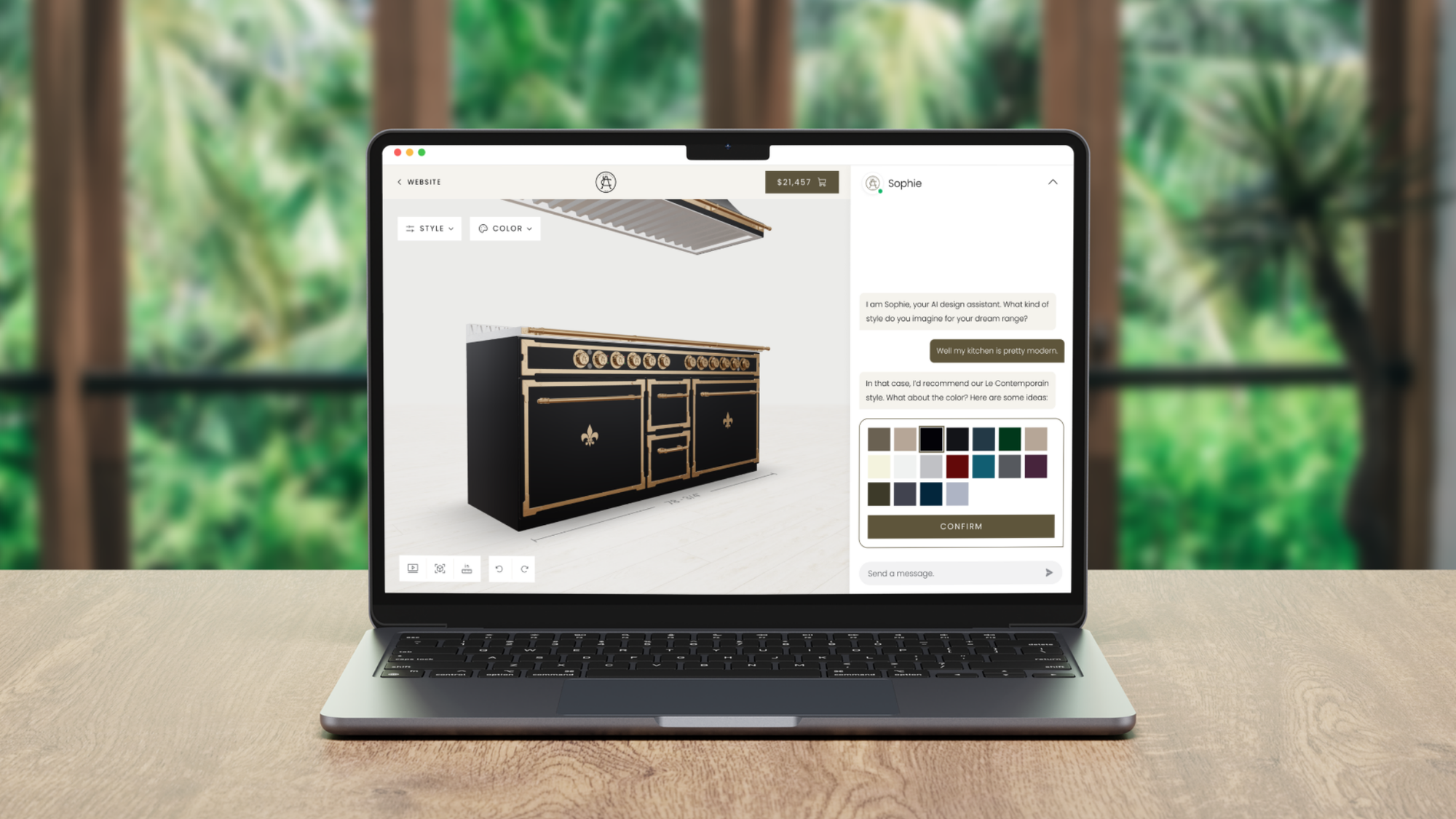
Looking for a furniture configurator? You’re on the right track.
Furniture buyers no longer want to imagine what a product might look like. They want to see it, customize it, understand the price, and move forward with confidence. That is why more furniture brands are investing in 3D furniture configuration.
But choosing the right furniture configuration tool is where it gets tricky.
Some platforms are basically furniture visualizers. They help buyers change colors, fabrics, or finishes in 3D. Others go much further, supporting modular products, custom dimensions, pricing logic, dealer workflows, and manufacturing outputs.
So the question you may be stuck with is: Which furniture configurator is right for your products, your sales process, and the way your business actually works?
We answer it in this guide. We compared the best furniture configurator software of 2026 based on what matters most: 3D furniture visualization, configuration depth, CPQ capabilities, integrations, sales workflows, and long-term business value.
How We Evaluated Each Furniture Configurator Software
Not every furniture configurator is built for the kind of complexity furniture brands actually deal with.
Some platforms work well for basic product personalization, but start to fall short once products become more modular, dimensions need to change, pricing gets more complex, or users need more than a simple furniture visualizer.
We evaluated each furniture configuration tool based on the following criteria:
- Configuration depth: Ability to support modular products, configurable dimensions, material options, compatibility logic, and more advanced product rules.
- 3D furniture visualization: Quality of the experience, including real-time visual updates, clarity, and how well the platform helps users understand what they are building.
- Beyond a basic furniture visualizer: Whether the platform only supports front-end presentation or also helps manage more complete configuration and sales workflows.
- Support for customizable furniture solutions: Ability to handle product complexity across collections, styles, materials, layouts, and other made-to-order requirements.
- Buying and sales workflows: Support for ecommerce, quote requests, guided selling, dealer handoff, or other paths to purchase.
- Business value beyond furniture visualization: Whether the platform adds value through pricing logic, workflow support, integrations, or other capabilities that make it a stronger long-term furniture configurator.
Best Furniture Configurator Software of 2026: Quick Comparison Table
| Software | Best For | Config Depth | 3D UX | CPQ | Manufacturing Outputs | Main Users | Main Limitation |
|---|---|---|---|---|---|---|---|
| Salsita | Overall best for buyers, dealers, and sales teams | Very strong | Very strong | Very strong | Very strong | Buyers, dealers, sales | More setup than lightweight tools |
| Threekit | Visual selling | Strong | Very strong | Strong | Strong | Buyers, dealers, sales | High cost, longer setup |
| 3D Cloud | Modular retail | Moderate | Strong | Moderate | Limited | Buyers, ecommerce | Retail-first |
| Expivi | 3D + pricing | Moderate–strong | Strong | Strong | Moderate | Buyers, ecommerce, sales | Less flexible for heavy modular logic |
| Epicor CPQ | Manufacturing CPQ | Strong | Moderate | Strong | Strong | Dealers, sales, manufacturing | Manufacturing-first |
| Cylindo | Visual merchandising | Basic | Moderate | Moderate | Limited | Buyers, ecommerce | Visualization-first |
| iONE360 | Room planning | Moderate | Strong | Limited | Limited | Buyers, ecommerce | Weaker on pricing depth |
| Configura | Assisted design | Strong | Moderate | Strong | Moderate | Designers, dealers | Desktop, training-heavy |
| Zakeke | Simple ecommerce | Basic | Moderate | Moderate | Limited | Buyers, ecommerce | Option-based logic only |
| Simplio3D | Entry-level testing | Basic | Moderate | Basic–moderate | Limited | Buyers, small teams | Simple to mid complexity |
1 - Salsita
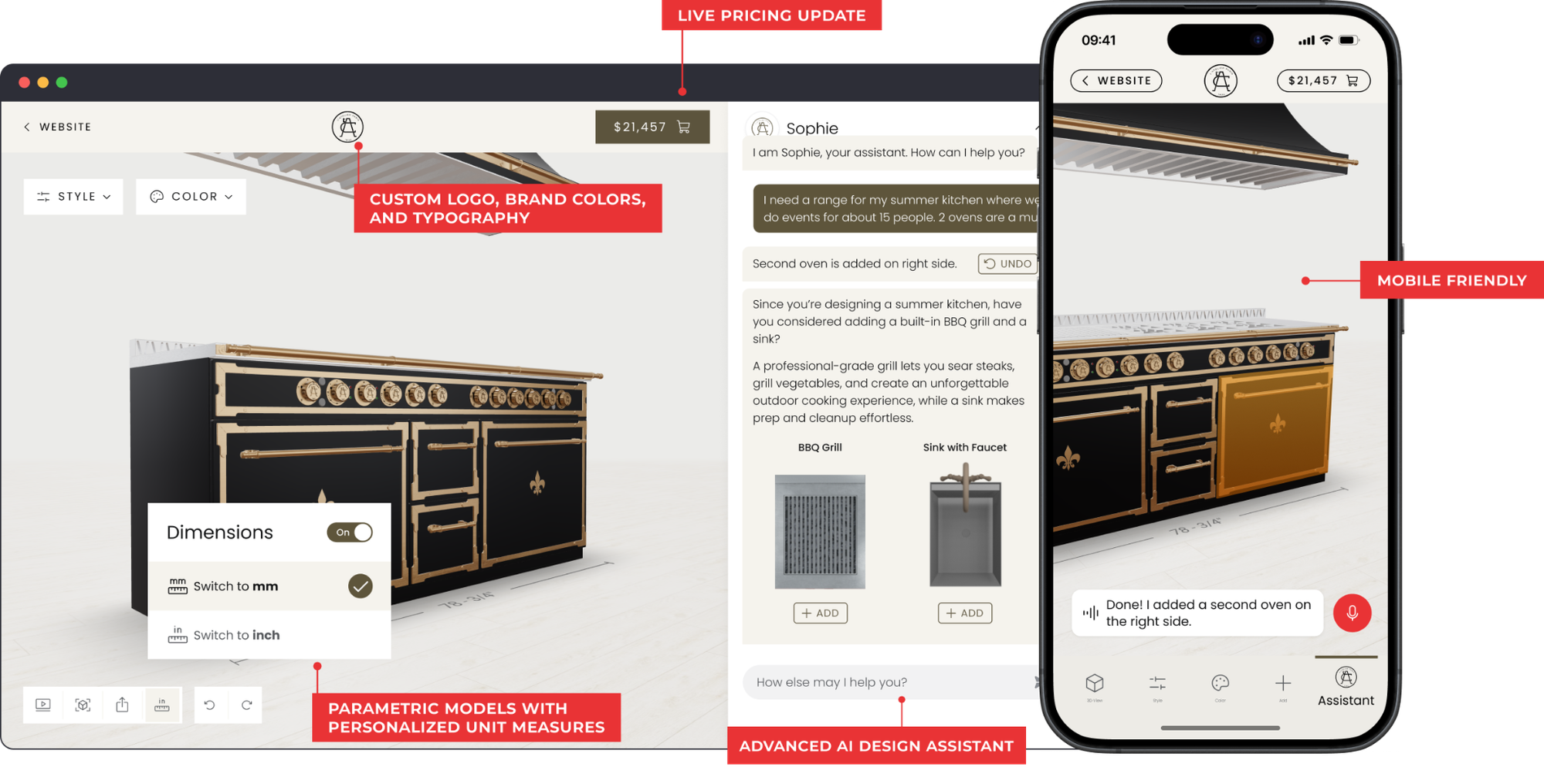
Salsita provides a 3D configurator platform built for furniture manufacturers selling complex configurable products. It lets buyers, dealers, and sales teams configure and price products in real time while keeping product rules, pricing, and production data consistent. Best suited to modular and cut-to-size products such as cabinetry, shelving, vanities, and kitchens.
Best For: Furniture brands and manufacturers selling modular, made-to-order, and complex-to-quote products. Best for companies that want more than a visual layer and need the configurator to fit into their workflows.
Key Features for Furniture:
- Modular furniture configuration for full-room layouts or multi-part products.
- True-to-scale parametric models with real-time updates when dimensions change.
- Real-time pricing with Visual CPQ.
- Advanced AI assistant that makes recommendations in natural language
- Floor plan upload for configuring products in context.
- Manufacturing outputs such as BOMs and CAD files.
Pros:
- Highly flexible configuration logic for complex and modular products
- Supports multiple sales channels: customer-facing, dealers, internal sales
- Manufacturing integration reduces production errors
- Scales from boutique brands to global manufacturers
- True parametric modeling, not just option swapping
Cons:
- Requires structured product logic and configuration rules before deployment
- Less suited for furniture brands with very simple product catalogs
Our Verdict: Salsita is the most complete furniture configurator in this list. It combines strong 3D furniture visualization with deep configuration logic, pricing, and floor-plan support. It also supports manufacturing outputs and real workflows for buyers, dealers, and internal sales teams.
2 - Threekit
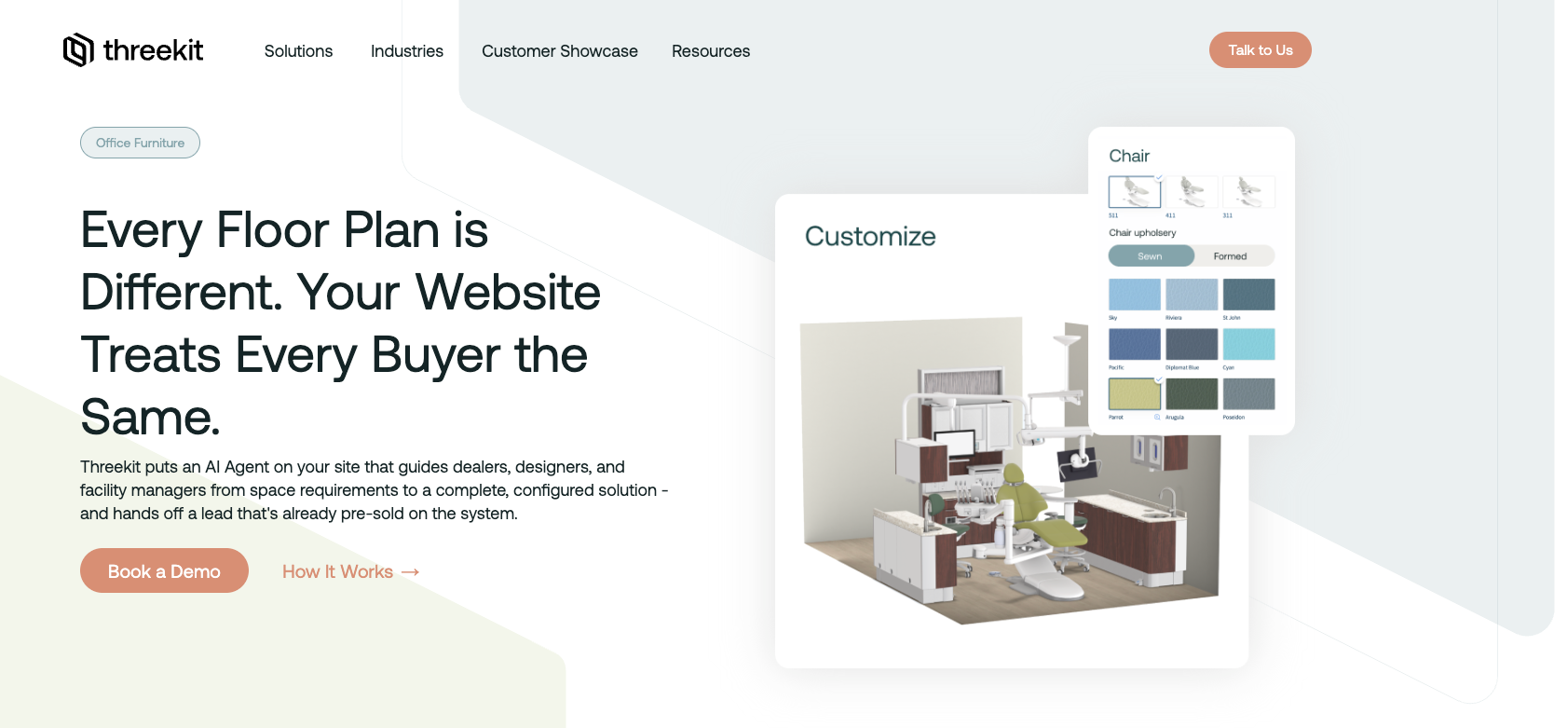
Threekit is primarily a visual commerce platform that combines 3D configuration, guided selling, AR, instant quoting, and manufacturing outputs.
Best For: Companies that prioritize visual product experiences and guided selling across digital commerce channels.
Key Features for Furniture:
- High-quality 3D furniture visualization
- Guided selling workflows
- AR preview
- Instant quoting
- BOM and CAD support
Pros:
- Strong visual quality
- Handles large numbers of configurable variants
- Includes manufacturing outputs
Cons:
- Premium pricing
- Not a furniture-first platform
- Implementation can be lengthy
- Less flexible for complex multi-channel sales workflows
Our Verdict: Threekit delivers strong visuals and includes configuration logic beyond purely visual tools. However, it lacks the furniture-specific workflow depth and multi-channel flexibility that dedicated platforms like Salsita provide.
3 - 3D Cloud (Marxent)
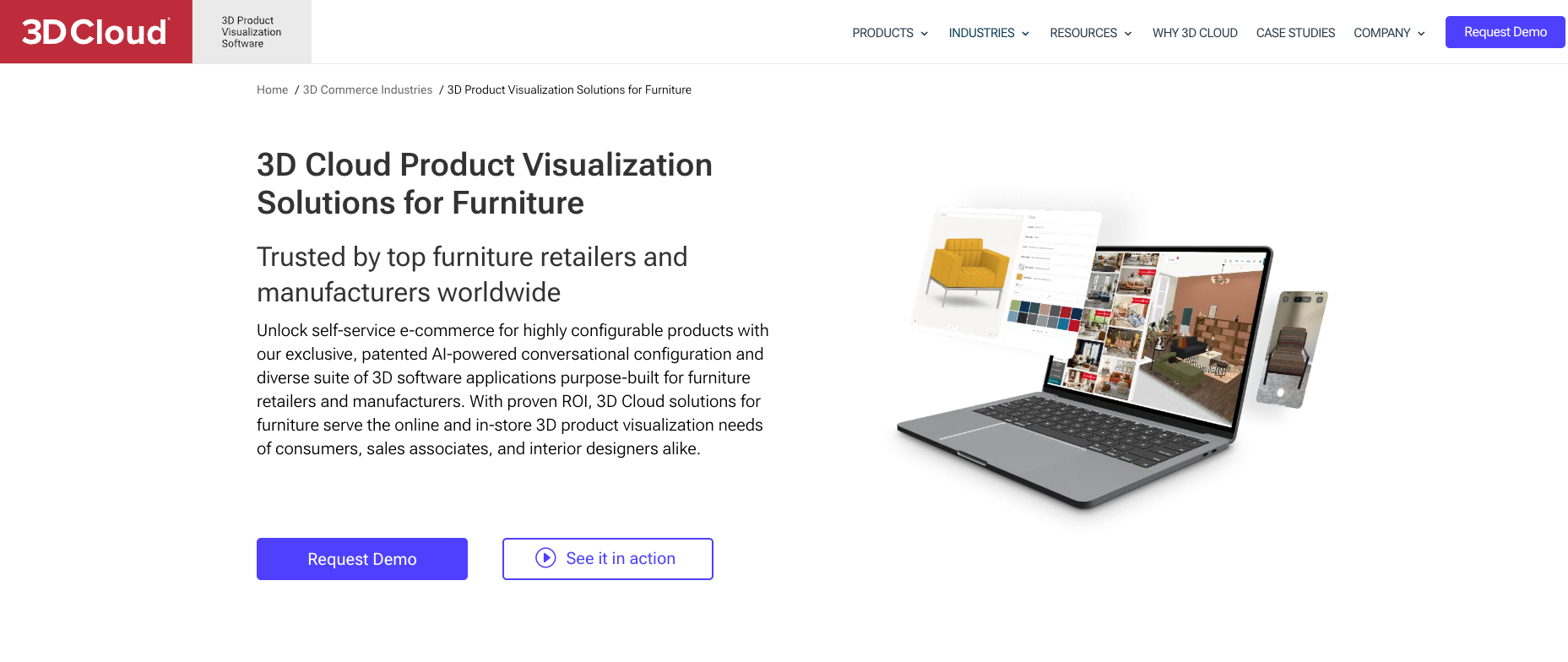
3D Cloud (by Marxent) is focused on 3D furniture visualization and digital product experiences. In furniture, it is especially strong for modular collections, sectional configuration, room planning, and online buying experiences.
Best For: Furniture retailers and brands prioritizing product visualization within digital buying experiences.
Key Features for Furniture:
- Modular configurators, including sectional sofa flows
- Room planners and WebAR
- Desktop and mobile purchase-ready experiences
- Omnichannel support (web, in-store kiosks, mobile apps)
Pros:
- Good fit for modular and sectional furniture
- Ecommerce and digital commerce focus
- Room-context experience for online buying
Cons:
- Focused on visuals rather than deeper furniture sales workflows
- Less flexible for brands selling made-to-order or complex-to-quote furniture
- Dealer, sales-team, and broader multi-role workflows are not the main focus
- CAD export and production automation are not core strengths
Our Verdict: 3D Cloud works for modular retail furniture and room-based shopping, but falls short when the priority is deeper product logic, advanced quoting, or sales-to-production workflows.
4 - Expivi
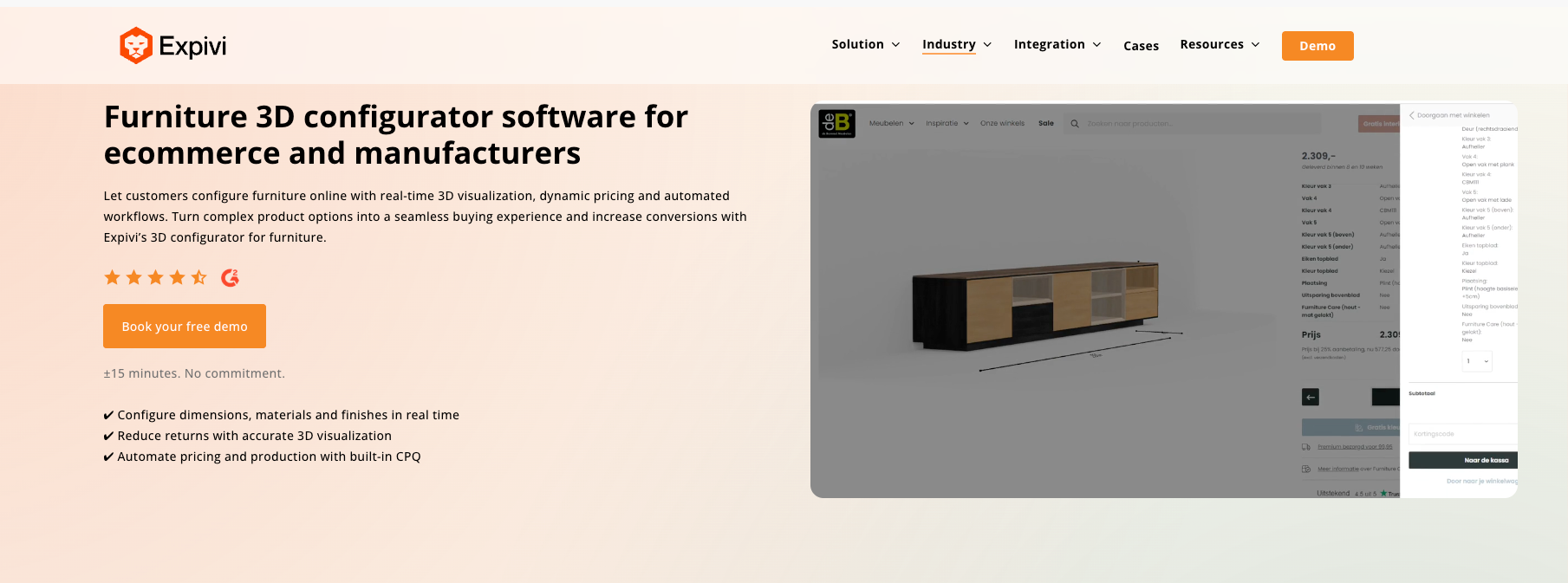
Expivi offers a 3D product configurator with integrated pricing capabilities designed to help businesses visualize and sell configurable products online.
Best For: Furniture brands and mid-level manufacturers that need strong 3D visualization with integrated pricing, but do not require advanced parametric modeling or end-to-end production automation.
Key Features for Furniture:
- Real-time 3D product configuration
- Integrated pricing and quote generation
- Ecommerce and ERP integrations
- Visual rule setup interface
Pros:
- User-friendly interface
- Strong fit for ecommerce-led furniture sales
- Good visualization for standardized configurable products
- Useful for brands that want pricing built into the buying flow
Cons:
- Limited flexibility for highly complex, rule-heavy product logic
- Parametric modeling is less suited to advanced constraints and dependencies
- CAD file export is not clearly highlighted
- Can become restrictive for highly modular, made-to-order, or complex-to-quote furniture
Our Verdict: Expivi is a reasonable fit for furniture brands that want strong visuals and integrated pricing in an ecommerce-friendly setup. It is much less compelling for brands selling highly modular or more complex furniture that need deeper logic, stronger parametric modeling, or production-oriented outputs.
5 - Epicor CPQ (formerly KBMax)
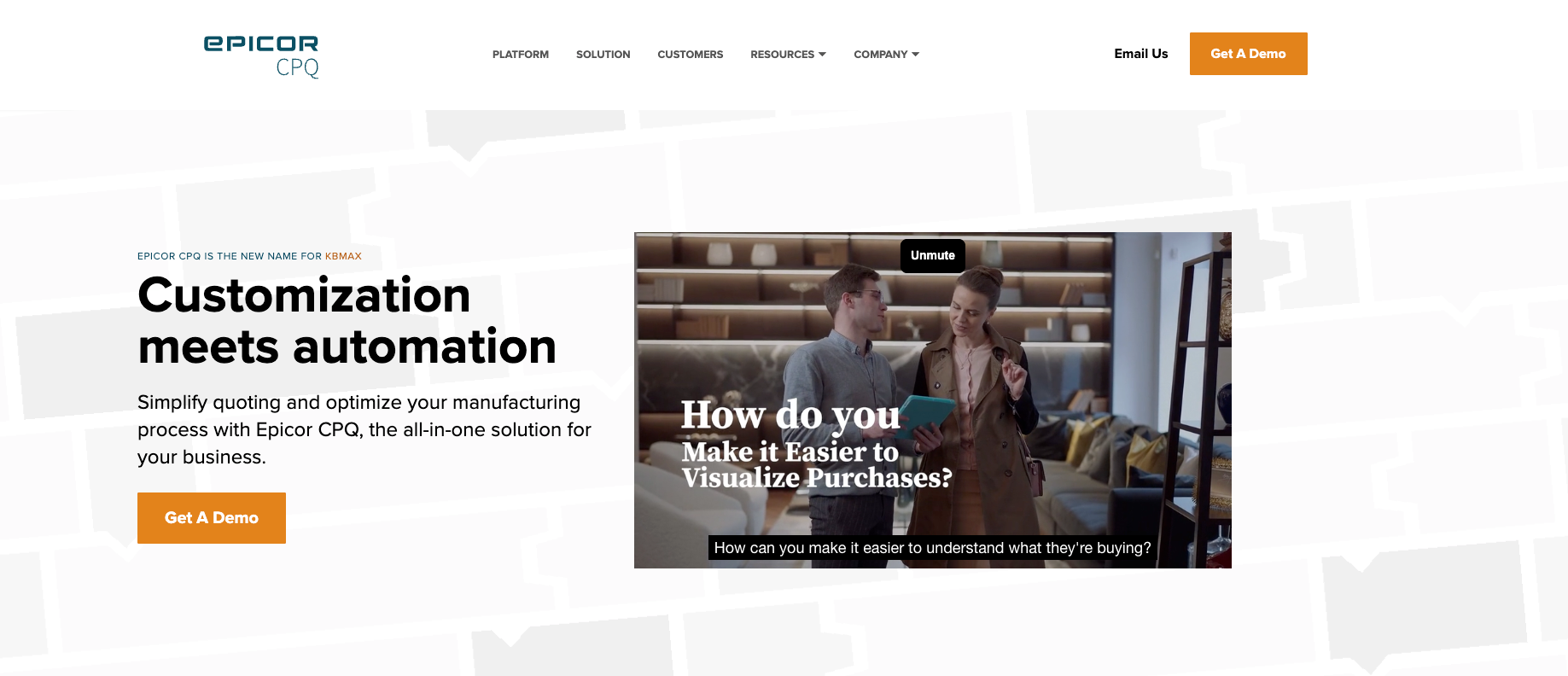
Epicor CPQ is a strong manufacturing CPQ platform. It makes sense for furniture companies where pricing accuracy, rules, and production documentation are the main problem. It is less suited to brands looking for a modern customer-facing furniture visualizer or a highly polished online buying experience.
Best For: Custom furniture manufacturers where configuration must generate accurate production documentation and handle complex manufacturing constraints.
Key Features for Furniture:
- Advanced rules engine for manufacturing constraints
- CAD integration
- ERP system integration
- Automated BOM and cutting list generation
- Production drawing automation
- Complex pricing with cost roll-ups
Pros:
- Handles manufacturing complexity
- Automates production documentation
- Strong for engineer-to-order furniture
- Deep ERP integration
Cons:
- Not designed for consumer-facing experiences
- Complex implementation and maintenance
- High cost
- Steep learning curve
- Lacks modern customer-facing interface
Our Verdict: Epicor CPQ focuses on manufacturing automation rather than customer experience. The platform works for engineer-to-order manufacturers needing production documentation but lacks the customer-facing polish and workflow flexibility of platforms designed for modern furniture sales.
6 - Cylindo
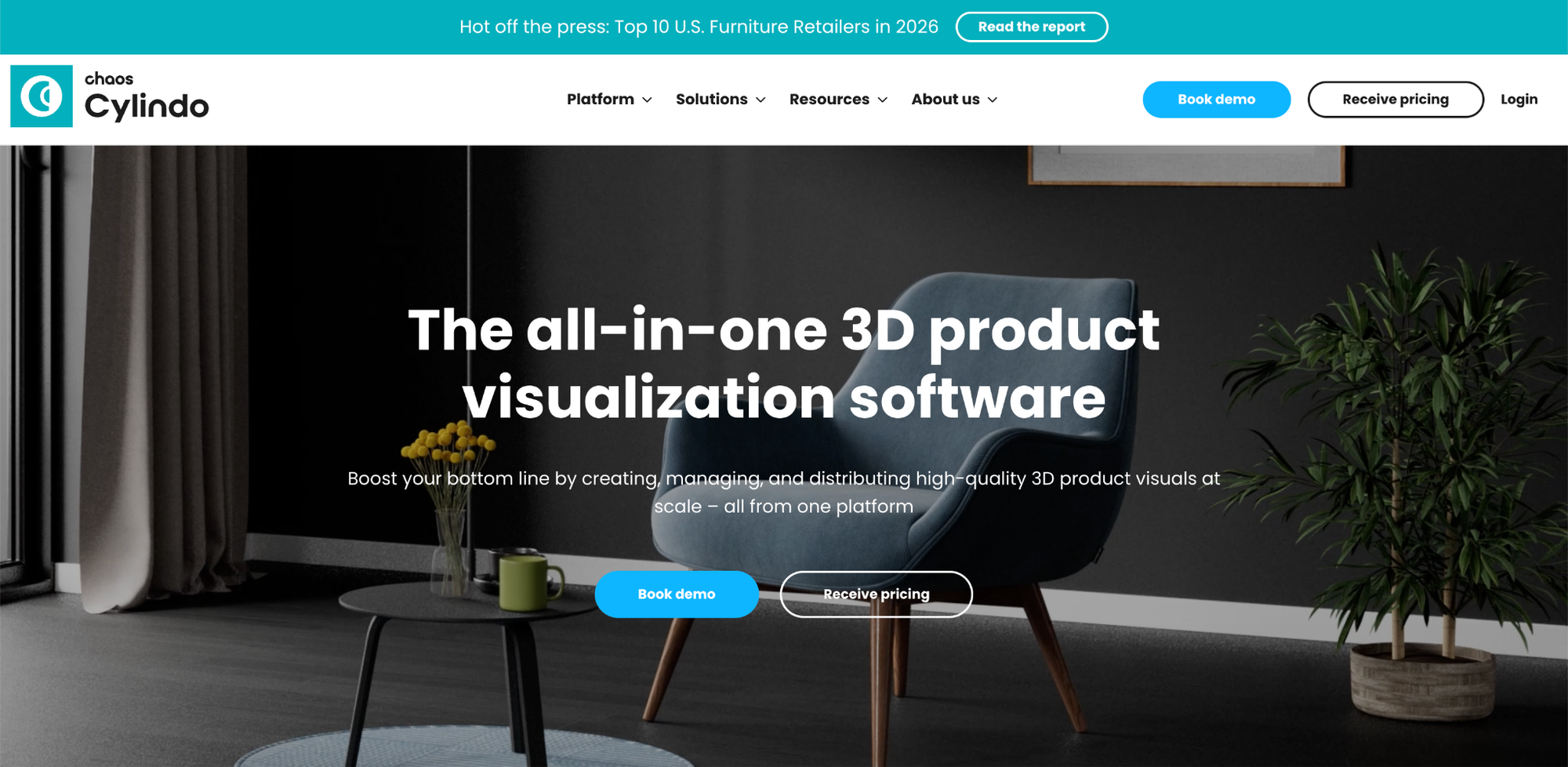
Cylindo is a visual commerce platform specializing in high-quality product visualization and digital asset management for furniture and home goods brands.
Best For: Furniture brands that need high-quality product visualization across digital marketing channels and ecommerce.
Key Features for Furniture:
- High-quality 3D furniture visualization and rendering
- Digital asset management for product imagery
- AR and 360-degree product views
- Integration with ecommerce platforms
- Automated rendering for product catalogs
- Multi-channel content distribution
Pros:
- Strong visual quality for marketing and ecommerce
- Good for brands needing consistent product imagery across channels
- Automated rendering capabilities
- Works well for standardized furniture products
Cons:
- Pre-rendered images rather than real-time 3D modeling
- All configurations must be defined and rendered in advance
- Cannot handle custom dimensions or free modular configuration
- Limited configuration logic for products with many variables
Our Verdict: Cylindo is a good fit for furniture brands with standardized product catalogs that need strong visuals for marketing. However, its pre-rendered image approach makes it unsuitable for custom dimensions, modular configurations, or made-to-order furniture where users need flexibility beyond pre-defined options.
7 - iONE360
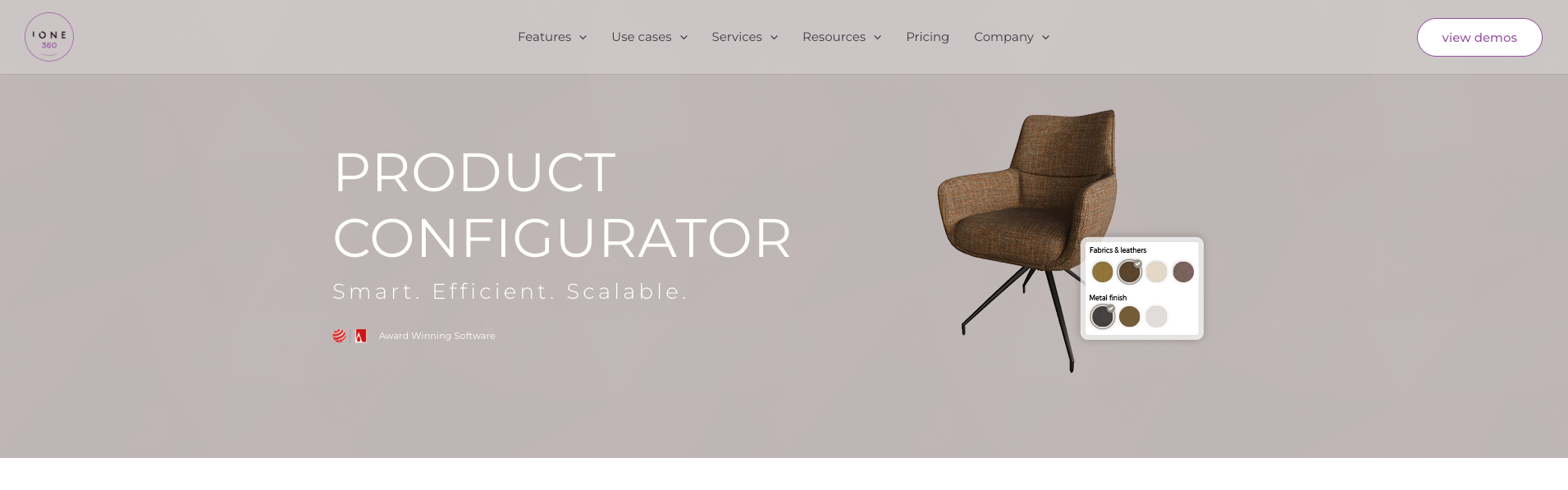
iONE360 is primarily a furniture-focused platform built around product configuration, automated rendering, AR, room planning, and ecommerce integrations.
Best For: Furniture retailers that care most about room planning, visual presentation, and ecommerce support.
Key Features for Furniture:
- AR support
- Room planning
- Product ordering support
- Ecommerce integrations
- Product data and asset management
Pros:
- Focused on furniture
- Strong room-context presentation
- Good for visual buying support
Cons:
- Stronger on visualization than on pricing and quoting depth
- BOMs, CAD exports, and manufacturing outputs are not core strengths
- Better suited to retail and ecommerce flows than to more advanced sales workflows
- Less convincing for modular, made-to-order, or complex-to-quote furniture
Our Verdict: iONE360 is a reasonable option for furniture brands that mainly want room planning, renders, and a better online buying experience. It is much weaker once the priority shifts to deeper product logic, stronger pricing workflows, or production-oriented capabilities.
8 - Configura (CET Designer)
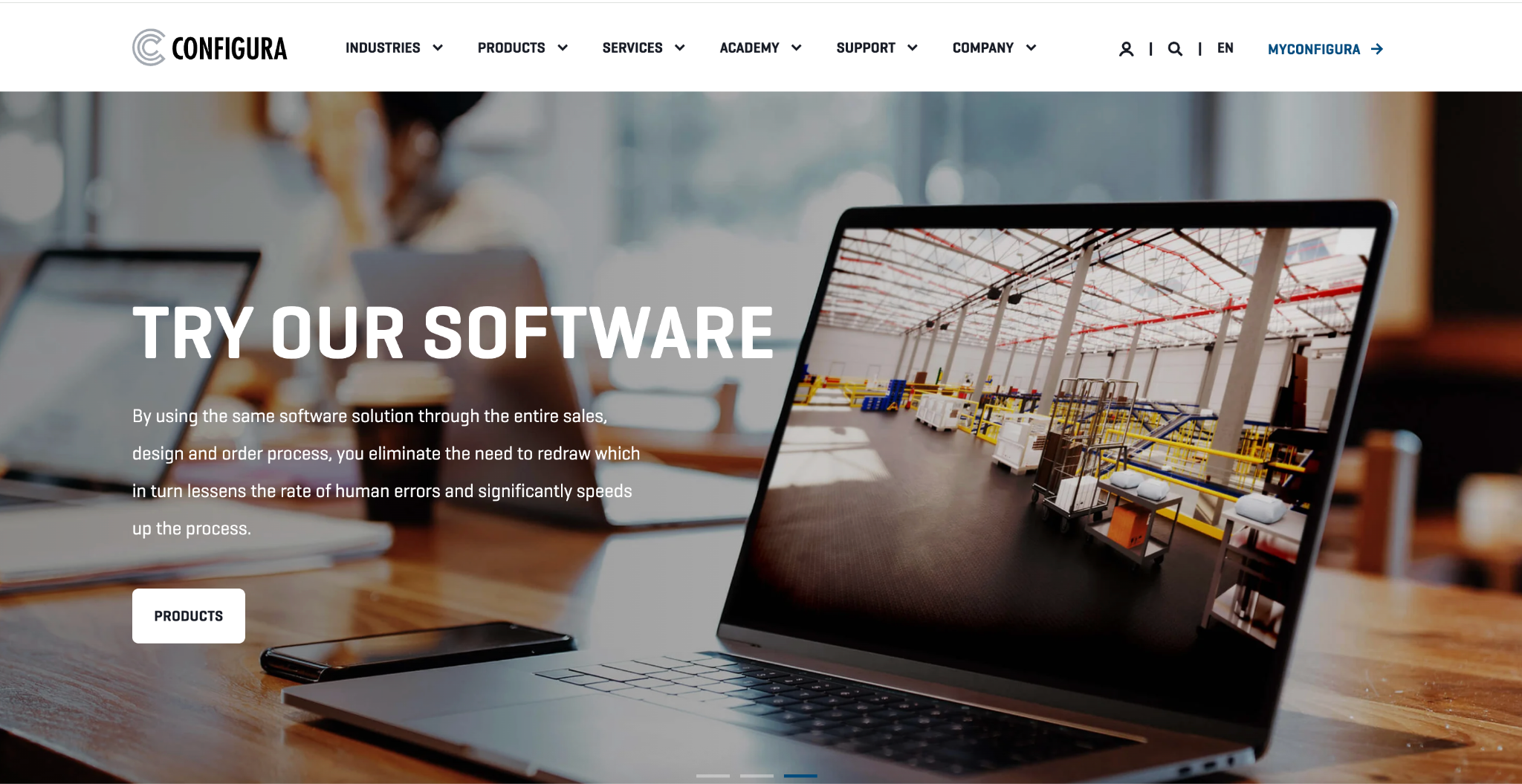
Configura offers design, specification, and quoting software for residential and commercial interiors. It is built around space planning, assisted selling, and real-time specifying rather than a broader all-around furniture configurator workflow.
Best For: Office furniture manufacturers and commercial interior projects requiring professional space planning.
Key Features for Furniture:
- Advanced space planning with furniture configuration
- CAD outputs for specifications
- Enterprise quoting and ordering workflows
- Project collaboration tools
- Automated drawing generation
Pros:
- Industry standard in commercial furniture
- Handles complex space planning
- Professional-grade output
- Strong manufacturer ecosystem
Cons:
- Desktop software, not web-based
- Steep learning curve
- Not designed for consumer-facing experiences
- Enterprise-level pricing
- Not suited for DTC brands
Our Verdict: Configura handles office furniture projects well but is not suited for consumer-facing brands. It's a professional specification tool, not a customer furniture visualizer.
9 - Zakeke
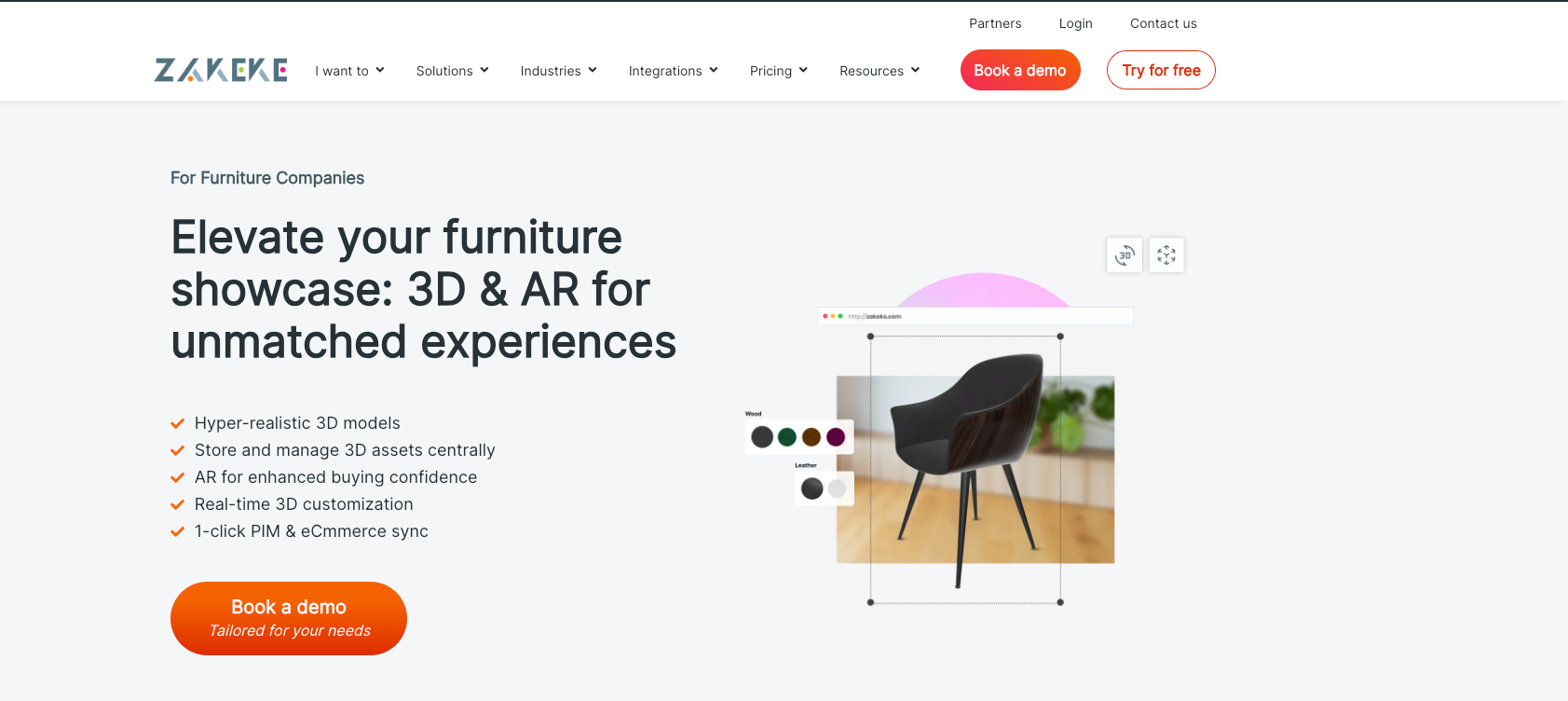
Zakeke is primarily a self-service 3D product customization platform designed for ecommerce environments.
Best For: Furniture brands selling simple products with a few custom options.
Key Features for Furniture:
- Basic 3D product visualization with material swaps
- AR support
- Material and texture personalization
- Dynamic pricing rules
- Ecommerce-friendly deployment (Shopify, WooCommerce, BigCommerce)
Pros:
- Strong ecommerce integrations
- Quick deployment for ecommerce environments
- Strong focus on customer-facing personalization
- Works well for standardized, customizable products
Cons:
- Built mainly for self-service ecommerce
- Option-based configuration rather than multi-level constraint logic
- No CAD exports, limited to 2D files and order summaries
Our Verdict: Zakeke handles simple online furniture customization adequately but is limited for brands that need modular logic or advanced sales workflows. It works best for basic color and material swaps but is limited for the configuration depth that modular furniture manufacturers require.
10 - Simplio3D
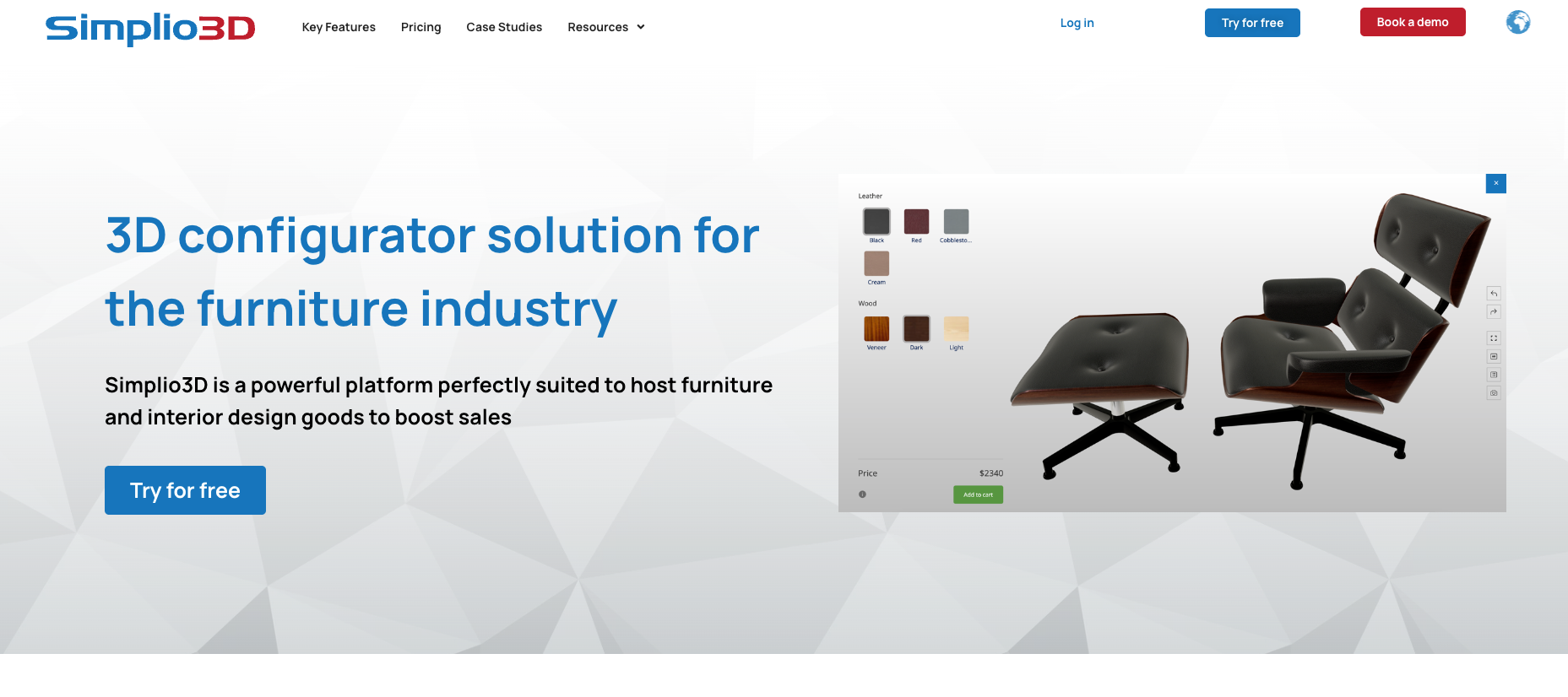
Best For: Budget-conscious furniture retailers testing basic furniture configuration tool capabilities.
Key Features for Furniture:
- Pre-built templates for common furniture types
- Shopify, WooCommerce, and BigCommerce plugins
- Basic AR support
- Simple admin panel for colors and materials
Pros:
- Affordable
- Quick setup (2 to 5 days)
- No technical expertise required
- Low-risk testing option
Cons:
- Basic 3D rendering quality
- Limited scalability
- Simple rule engine
- No manufacturing outputs
- Performance issues with complex models
Our Verdict:: Simplio3D serves as an entry-level tool for small furniture brands exploring whether configuration drives sales. The platform handles basic customization but lacks the depth, quality, and manufacturing capabilities that furniture businesses need as they grow.
How to Choose Your Furniture Configurator
Selecting the right furniture configuration tool starts with understanding your product complexity and sales model. Here's what to evaluate:
1. Match Configuration Depth to Product Complexity
If you sell modular furniture, made-to-order cabinetry, or products with configurable dimensions, you need more than a basic furniture visualizer.
- Simple products (fixed dimensions, color/fabric options only) → Zakeke, Simplio3D, or basic visualization tools
- Modular products (sectionals, configurable components) → Salsita, 3D Cloud, iONE360, Expivi
- Complex made-to-order (custom dimensions, multi-level rules, manufacturing integration) → Salsita, Threekit, Epicor CPQ
2. Consider Your Sales Channels
Who configures your products? Direct consumers, dealers, internal sales teams, or all three? The best customizable furniture solutions support multiple user types with appropriate interfaces for each role.
- DTC ecommerce only → Most platforms work; prioritize ease of use and visual quality
- Dealer networks → Need dealer portals, quote generation, and sales team support (Salsita, Threekit, Configura)
- Multi-channel (consumers + dealers + sales) → Salsita, Threekit
3. Evaluate Beyond 3D Furniture Configuration
Visual quality matters, but ask: Does the platform handle pricing logic? Generate manufacturing outputs? Integrate with your ERP? Support quote workflows? The strongest furniture configurator platforms are business systems, not just presentation tools.
- Configuration-focused platforms →Cylindo, iONE360
- Configuration + workflow platforms: Salsita, Threekit, Expivi, Epicor CPQ
4. Plan for Manufacturing Integration
If you manufacture custom furniture, prioritize platforms that generate BOMs, cutting lists, and CAD files. Visual-only tools create bottlenecks between sales and production.
- Manufacturing outputs critical → Salsita, Epicor CPQ, Threekit
- Manufacturing outputs nice-to-have → Expivi, Configura
- No manufacturing integration → Cylindo, iONE360, Zakeke, Simplio3D
Wrapping Up
The best furniture configurator is not the one with the longest feature list. It is the one that matches how your products are sold, configured, priced, and handed off after the buyer makes a choice.
If your furniture catalog is too complex for a basic furniture visualizer, Salsita is built for that gap. We help you turn complex product options, dimensions, rules, and pricing into a guided 3D experience that buyers, dealers, and sales teams can actually use.
That means fewer manual quote checks, fewer unclear custom requests, and a smoother path from configuration to production.
Want to see how this could work for your furniture business? Book a demo and we’ll show you what a furniture configurator could look like for your products.
FAQ
What is a furniture configurator?
A furniture configurator is software that lets customers customize furniture by selecting options (fabrics, finishes, dimensions, components) while seeing real-time 3D furniture visualization and pricing. Advanced configurators include business logic, manufacturing outputs, and sales workflow support beyond just visual presentation.
What's the difference between a furniture visualizer and a furniture configurator?
A furniture visualizer focuses on visual presentation, letting customers see different options in 3D. A furniture configurator includes configuration logic, pricing rules, compatibility checking, and often manufacturing outputs. Visualizers are presentation tools; configurators are business systems that support the entire sales and production workflow.
Do I need a furniture configurator or just a furniture visualizer?
If your products have minimal customization (color/fabric swaps only), a furniture visualizer may suffice. If you sell modular furniture, made-to-order products, or anything requiring dimensional changes, pricing logic, or manufacturing outputs, you need a full furniture configurator with configuration depth beyond visual presentation.
Can I use a furniture configurator for B2B and B2C sales?
Yes. The best furniture configurators support multiple user types including direct consumers, dealer networks, and internal sales teams—each with appropriate interfaces and permissions. Platforms like Salsita and Threekit excel at multi-channel support, while tools like Zakeke and Simplio3D focus primarily on B2C ecommerce.
What file formats do furniture configurators export for manufacturing?
Advanced furniture configuration tools typically export BOMs (Bill of Materials), cutting lists, CNC machine files, CAD files (DWG, DXF), and 3D models (STEP, STL). Visualization-only platforms often lack manufacturing outputs entirely. If you manufacture custom furniture, verify export formats during evaluation.