
Best CPQ Software for Manufacturing in 2026
Looking for the best CPQ software for manufacturing? This guide compares the best CPQ software providers in 2026, including traditional CPQ platforms and Visual CPQ solutions.


Choosing the best CPQ software is not about picking the most well-known vendor. It is about finding the one that matches your product complexity, sales process, and production requirements.
Some CPQ providers focus primarily on pricing governance and approval workflows. Others add real-time visual configuration to help users see exactly what they are building. And the most advanced solutions go further by connecting configuration directly to manufacturing outputs.
The right choice depends on how you build and sell your products.
In this guide, we review the best traditional CPQ software and the top visual CPQ solutions for manufacturing, breaking down where each platform fits and what type of manufacturer it serves best.
What is CPQ Software?
CPQ software (Configure, Price, Quote) is a system that helps companies configure complex products, calculate accurate pricing, and generate quotes automatically.
In manufacturing, CPQ software replaces spreadsheets and manual approvals with rule-based product logic. Instead of guessing or double-checking with engineering, sales teams configure products within a centralized CPQ platform and receive instant, validated pricing.
For manufacturers, CPQ software ensures:
- Technically feasible product configurations
- Consistent pricing and margin control
- Faster quote generation
- Standardized sales processes across teams
How to Choose the Best CPQ Software?
When evaluating the best manufacturing CPQ software companies, it is important to understand that there is no single tool that fits every manufacturer. The best solution depends on your product complexity, sales process, and whether visual configuration is required.
Product Complexity:
If your products are highly engineered, you need a manufacturing CPQ provider that goes beyond pricing logic and connects to production data. Ask yourself:
- Do you sell modular, configurable, or engineer-to-order products?
- Do configurations affect dimensions, materials, or structural components?
- Do you require automatic BOM generation?
- Do you need CAD outputs or production drawings?
Sales Process:
Some CPQ platforms focus heavily on discount governance and deal desk workflows. Others prioritize engineering accuracy. Ask yourself:
- Is your sales cycle consultative or transactional?
- Do quotes require multi-level approvals?
- Do you operate across regions with different pricing models?
- Do dealers or distributors configure products?
Visual Requirements:
If visual accuracy is critical before a quote is approved, you may need visual CPQ. Ask yourself:
- Does the product need to be rendered in 3D during configuration?
- Do finishes, materials, or components need to be visually previewed?
- Is visual accuracy critical before generating a quote?
Top 4 Best Traditional CPQ Software
Traditional CPQ software is built around structured configuration logic, pricing control, and quote management workflows. These systems validate product combinations, apply pricing rules, enforce discount approvals, and generate quotes aligned with CRM and ERP systems.
Some platforms focus more heavily on complex rules-driven configuration, while others emphasize commercial governance, contract management, and revenue workflows. These systems typically operate through rules and structured processes rather than real-time visual product configuration.
1 - Oracle CPQ
Oracle CPQ is positioned as a cloud-based CPQ application that helps sellers configure products or services and generate accurate quotes. Oracle emphasizes guided selling, configuration control, and consistency in the quoting process.
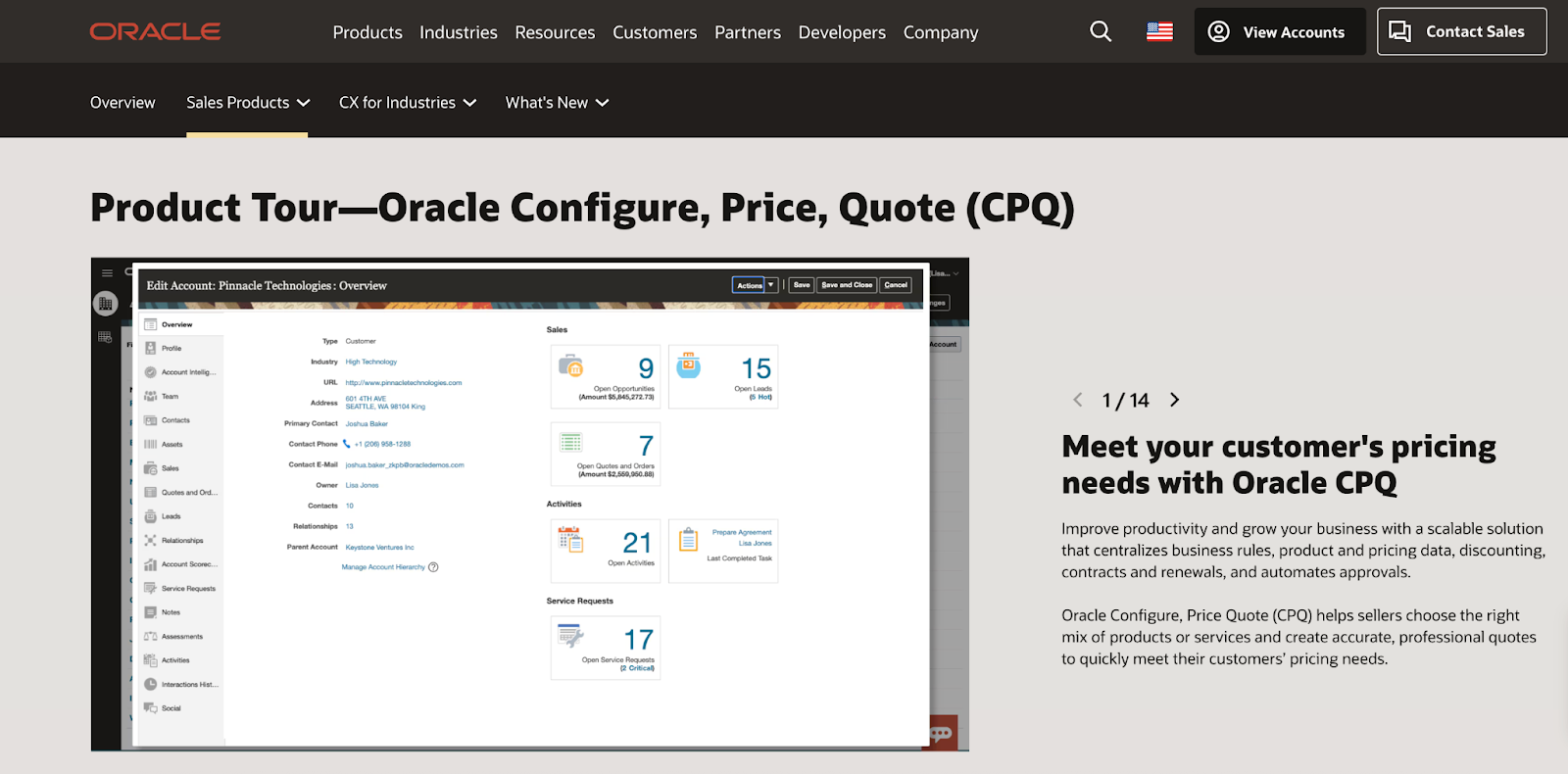
Key features:
- Rules-based configuration for configure-to-order and engineer-to-order cases
- Guided selling to control valid product combinations
- Automated pricing, discount management, and approval workflows
- Quote and proposal generation capabilities
- Integration with Oracle CX and Oracle ERP systems for quote-to-cash processes
Pros:
- Designed for large, complex sales environments
- Strong pricing governance and approval controls
- Works well within the Oracle ecosystem
- Supports structured sales operations with layered approval processes
- Enterprise-grade deployment and security standards
Cons:
- Not focused on real-time visual 3D configuration
- Does not natively generate CAD files or manufacturing BOM outputs (these require integration with ERP, PLM, or other systems)
- Implementation can be complex depending on configuration depth
- Often requires dedicated admin or IT support
- Enterprise pricing structure may result in higher total cost compared to mid-market solutions
Best For: Large manufacturers with complex configurable products and structured pricing governance, particularly those already operating within Oracle’s ecosystem.
Not suitable for: Manufacturers that need real-time 3D product configuration or configuration logic directly connected to CAD files and manufacturing outputs.
2 - Conga CPQ (formerly PROS Smart CPQ)
Conga CPQ incorporates capabilities from the former PROS Smart CPQ following Conga’s acquisition of PROS’ B2B business. The platform combines rules-based configuration with pricing and revenue optimization capabilities.
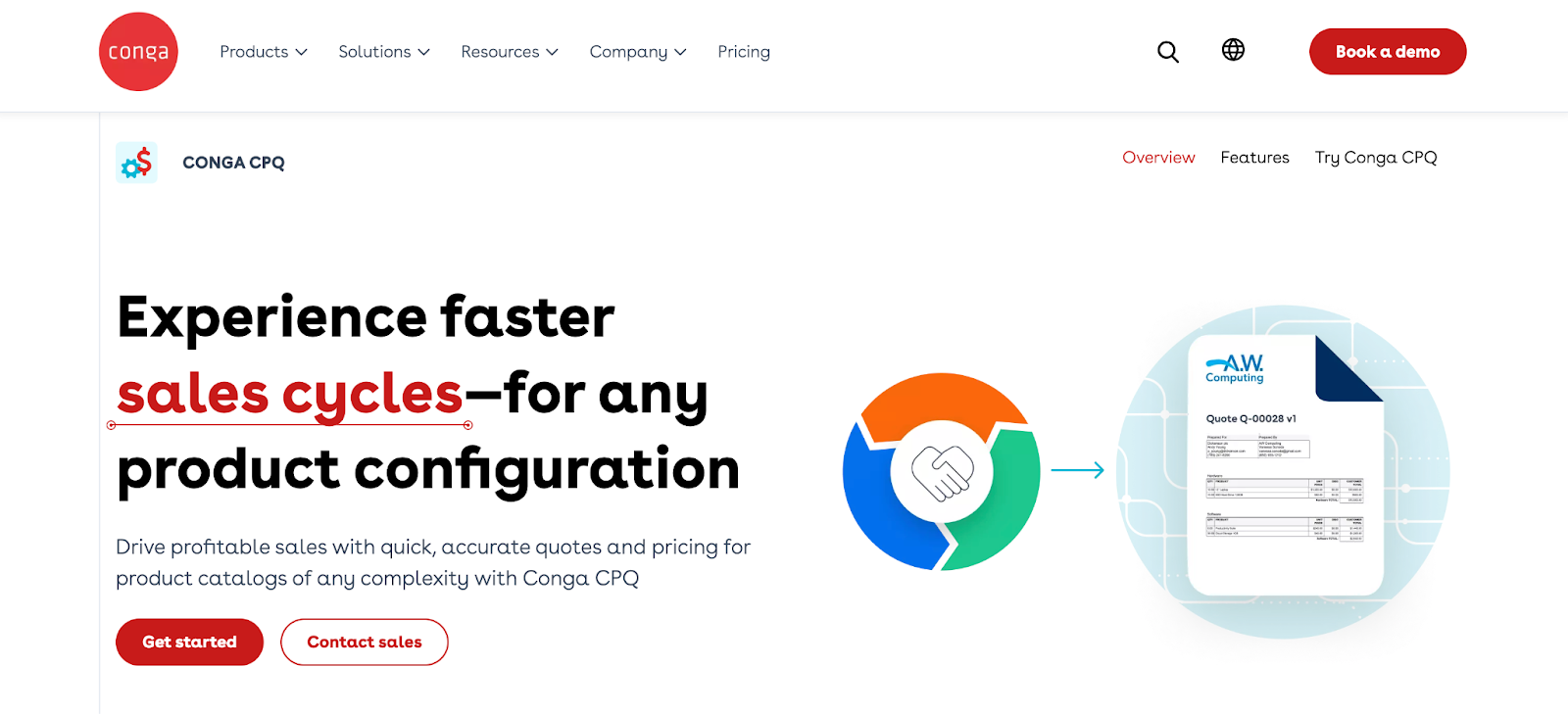
Key features:
- Rules-based configuration for complex B2B product structures
- Advanced pricing and margin optimization capabilities
- Guided selling workflows
- Automated quote generation
- CRM and ERP integrations
Pros:
- Strong pricing intelligence and margin control capabilities
- Designed for B2B environments with pricing complexity
- Combines configuration control with pricing optimization
- Aligns CPQ with contracting and broader revenue workflows
Cons:
- Not focused on real-time 3D configuration
- Does not natively generate CAD files or manufacturing BOM outputs (production data typically flows through ERP or downstream systems)
- Requires structured product and pricing data for effective implementation
Best for: Mid-sized to large B2B manufacturers where pricing optimization and margin governance are strategic priorities.
Not suitable for: Manufacturers that need visual product configuration or engineering-driven configuration tied to dimensions, materials, or production data.
3 - DealHub CPQ
DealHub CPQ is positioned as a CPQ platform focused on pricing control, guided selling, approvals, and contract lifecycle alignment. It is designed to streamline commercial workflows rather than serve as an engineering configuration engine.
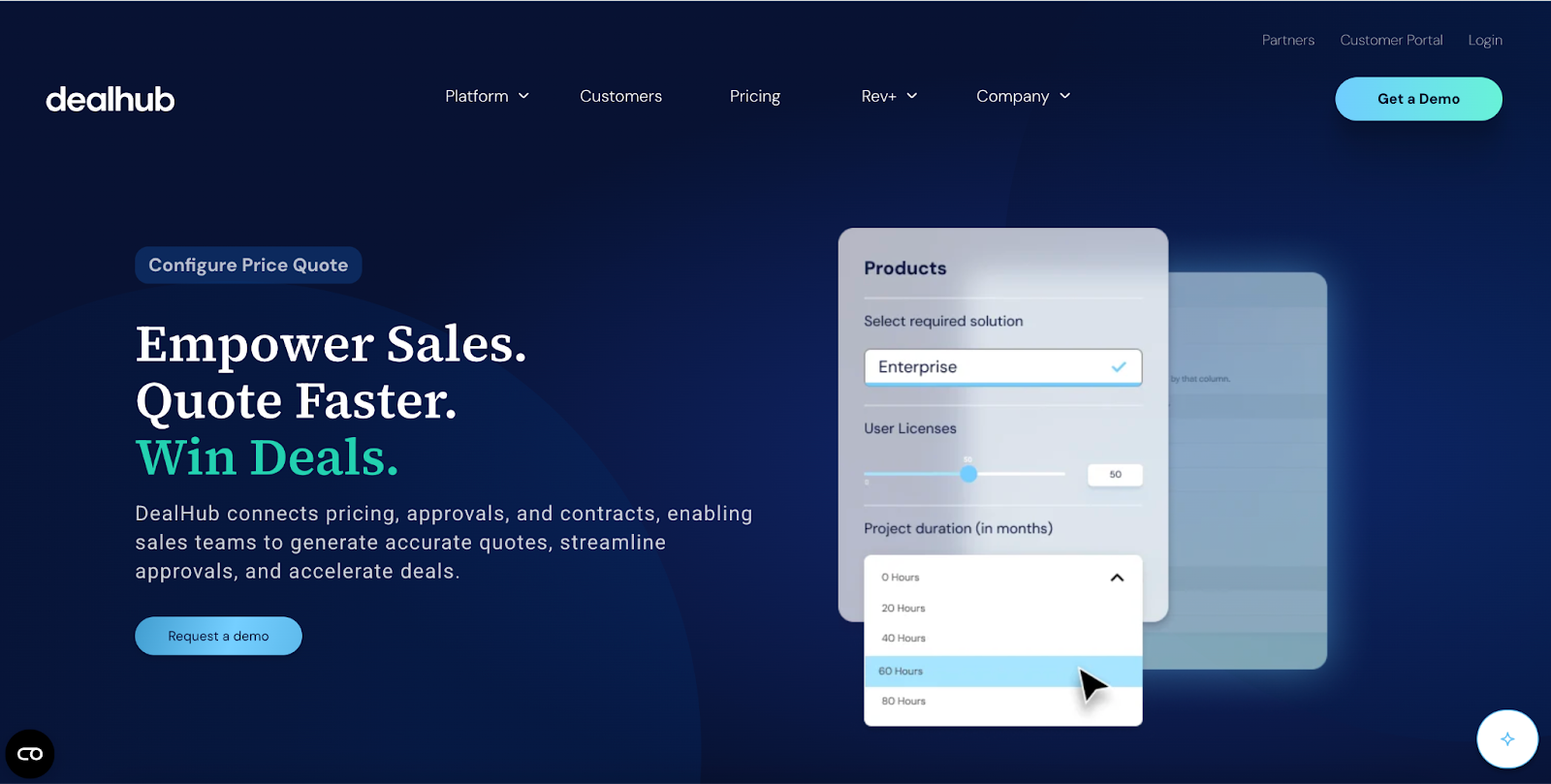
Key features:
- Guided quote configuration with structured products and smart filtering
- Adaptive pricebook supporting tiered, usage-based, and fixed pricing
- Configurable bundles and dynamic discount strategies
- Automated approval workflows with parallel routing
- Built-in contract lifecycle management and deal desk visibility
- CRM integrations for quote-to-revenue workflows
Pros:
- Connects CPQ and contracting in one system
- Strong approval and pricing control
- Reduces manual handoffs between sales and legal
- Flexible deployment model
Cons:
- Not designed for engineering-driven product modeling
- Not focused on real-time visual 3D configuration
- Does not natively generate CAD files or manufacturing BOM outputs
- Complex configuration rules may require setup effort
Best for: Manufacturers with approval-heavy, contract-driven sales models that prioritize workflow control over engineering-level configuration.
Not suitable for: Manufacturers selling highly engineered or configurable products that require engineering-level configuration logic.
4 - Zuora CPQ
Zuora CPQ is designed to support subscription, usage-based, and recurring revenue models. It connects quoting workflows to billing and subscription management systems across the customer lifecycle.
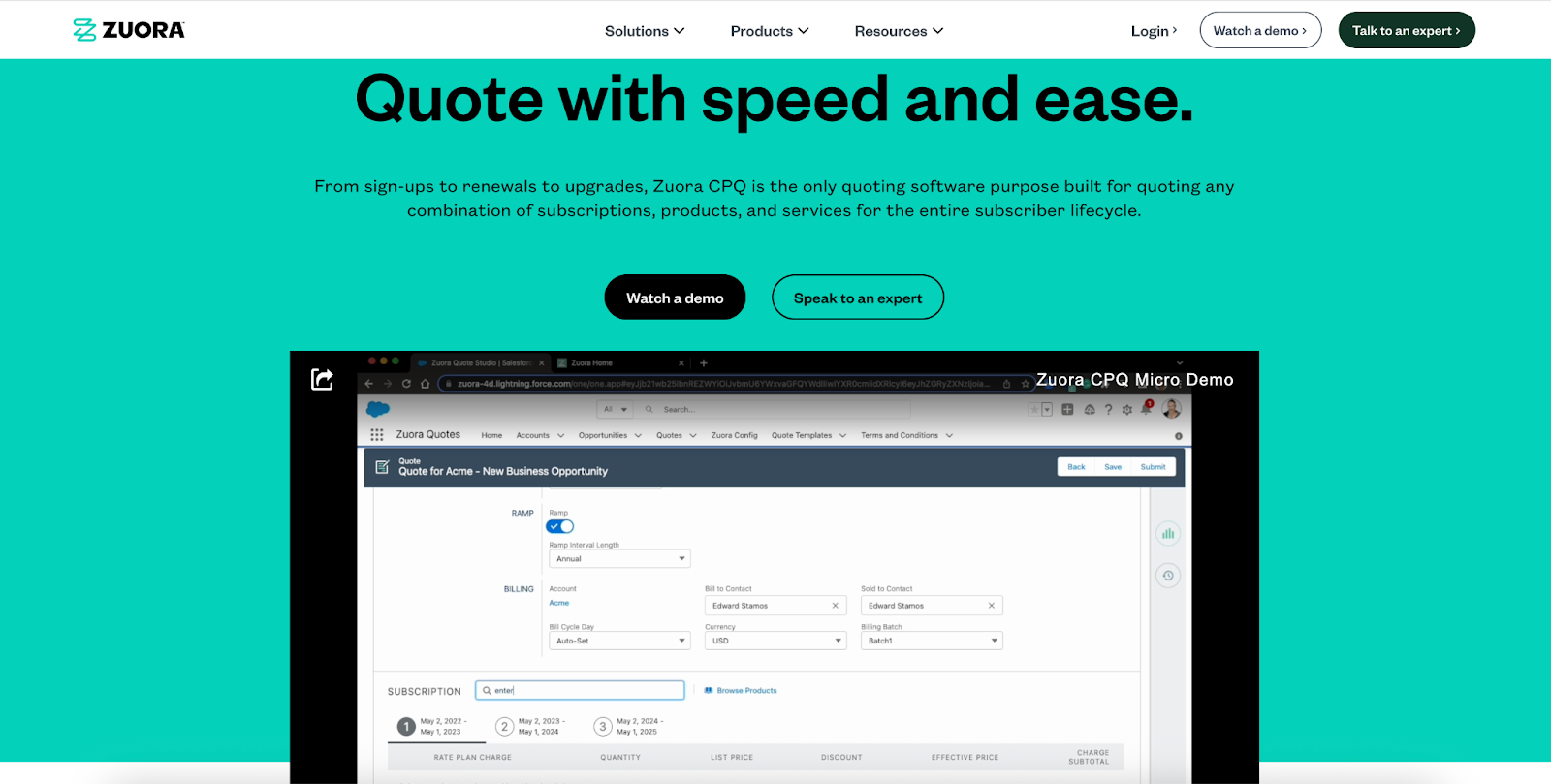
Key features:
- Subscription lifecycle quoting (new sales, renewals, amendments)
- Support for recurring and usage-based pricing models
- Integration with billing and subscription systems
- Revenue impact visibility within subscription workflows
Pros:
- Designed for revenue lifecycle management
- Connects quoting directly to billing systems
- Handles renewals and contract amendments
- Strong support for subscription and recurring pricing models
Cons:
- Not focused on real-time visual 3D configuration
- Does not natively generate CAD files or manufacturing BOM outputs
- Primarily optimized for subscription-based revenue models rather than complex physical product configuration
- May require additional systems for manufacturing-specific workflows
Best for: Manufacturers offering subscription-based services or hybrid product-service models where recurring revenue management is central to the sales process.
Not suitable for: Manufacturers focused on configurable physical products rather than subscription or service-based revenue models.
Best Traditional CPQ Software Companies: Comparison Table
| Platform | Configuration Depth | Pricing & Margin Control | Subscription Support | Best Fit for Manufacturing Scenario |
|---|---|---|---|---|
| Oracle CPQ | Advanced rules-based configuration | Strong governance & discount controls | Limited | Large manufacturers with complex configurable products and layered approvals |
| Conga CPQ | Rules-based configuration | Advanced pricing optimization & margin focus | Moderate | B2B manufacturers where pricing precision and margin protection are strategic |
| DealHub CPQ | Moderate configuration logic | Strong approval & contract alignment | Limited | Mid-sized manufacturers with approval-heavy, contract-driven sales |
| Zuora CPQ | Basic product configuration | Subscription-focused pricing | Strong | Manufacturers offering recurring services or hybrid product-service models |
Top 4 Best Visual CPQ Solutions
Visual CPQ (Configure, Price, Quote) adds 3D product visualization and interactive configuration to standard CPQ capabilities. This helps manufacturers show exactly what’s being sold, reduce errors, and speed up sales and production.
For manufacturers, the most important difference between visual CPQ tools is how deeply they connect configuration with manufacturing outputs like CAD files and bills of materials (BOMs). Some are focused more on ecommerce experiences, while others bridge the gap between sales and production.
 Camille Felappi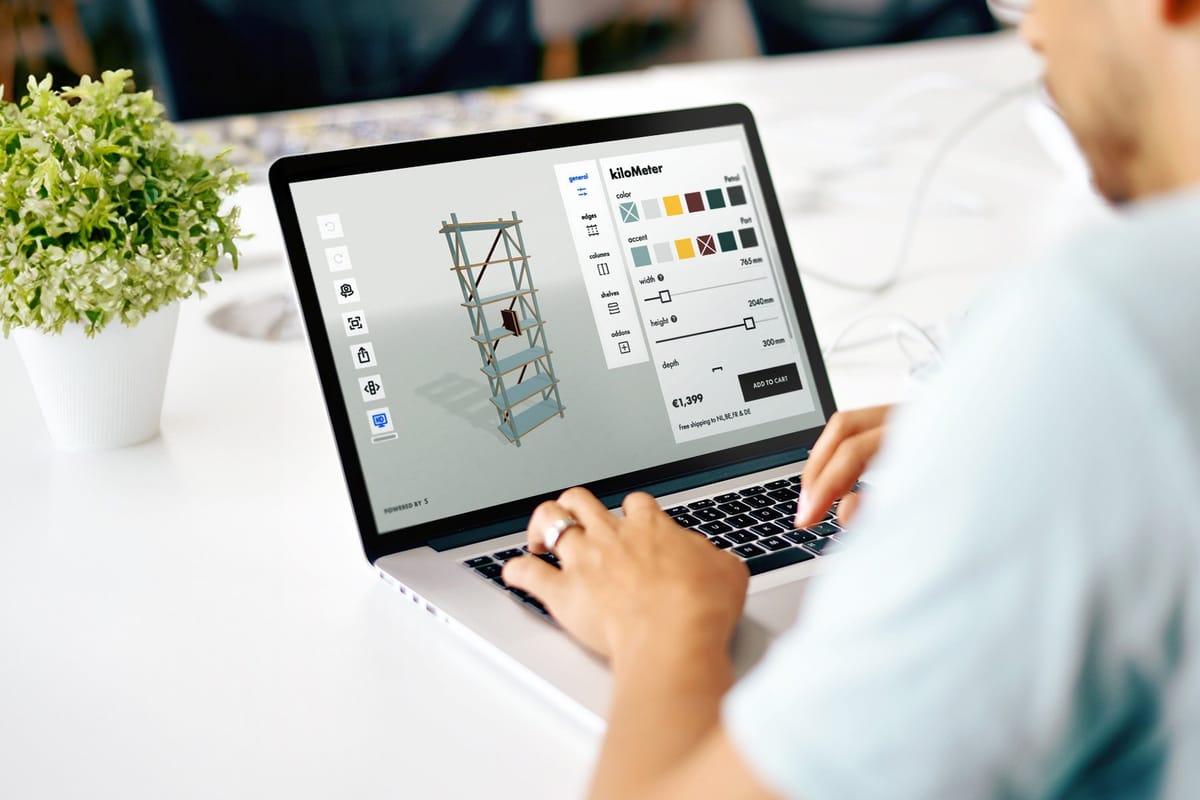
1 - Salsita
Salsita is an advanced 3D configurator platform that combines visual CPQ, parametric models, interactive features, and system integrations. It enables buyers, sales teams, and dealers to explore, configure, and price products in realistic 3D while integrating seamlessly into existing workflows.
Key features:
- Parametric models supporting dimension-driven configuration and modular product logic
- Advanced AI assistant that makes recommendations in natural language
- Real-time 3D configuration combined with Visual CPQ and instant quote generation
- Automated generation of CAD files, BOMs and other manufacturing outputs
- Integration with ecommerce platforms to enable direct purchase of configured products
- Integration with CRM, ERP, and PIM systems to sync product, pricing, and order data
Pros:
- Handles highly complex, modular, and engineer-to-order products
- Connects configuration directly to manufacturing outputs
- Flexible architecture adaptable to custom workflows
- Multi-user platform supporting sales teams, dealers, and end buyers
- Long-term strategic partner driving innovation in AI-powered 3D configurators
Cons:
- Requires product rules and logic to be structured upfront
- May be more advanced than needed for simple product personalization
Best for: B2B and B2C manufacturers selling complex, modular, and custom products that require visual configuration and automated manufacturing outputs.
Not suitable for: Manufacturers selling simple products with minimal configuration logic or basic product personalization.
2 - Epicor CPQ (formerly KBMax)
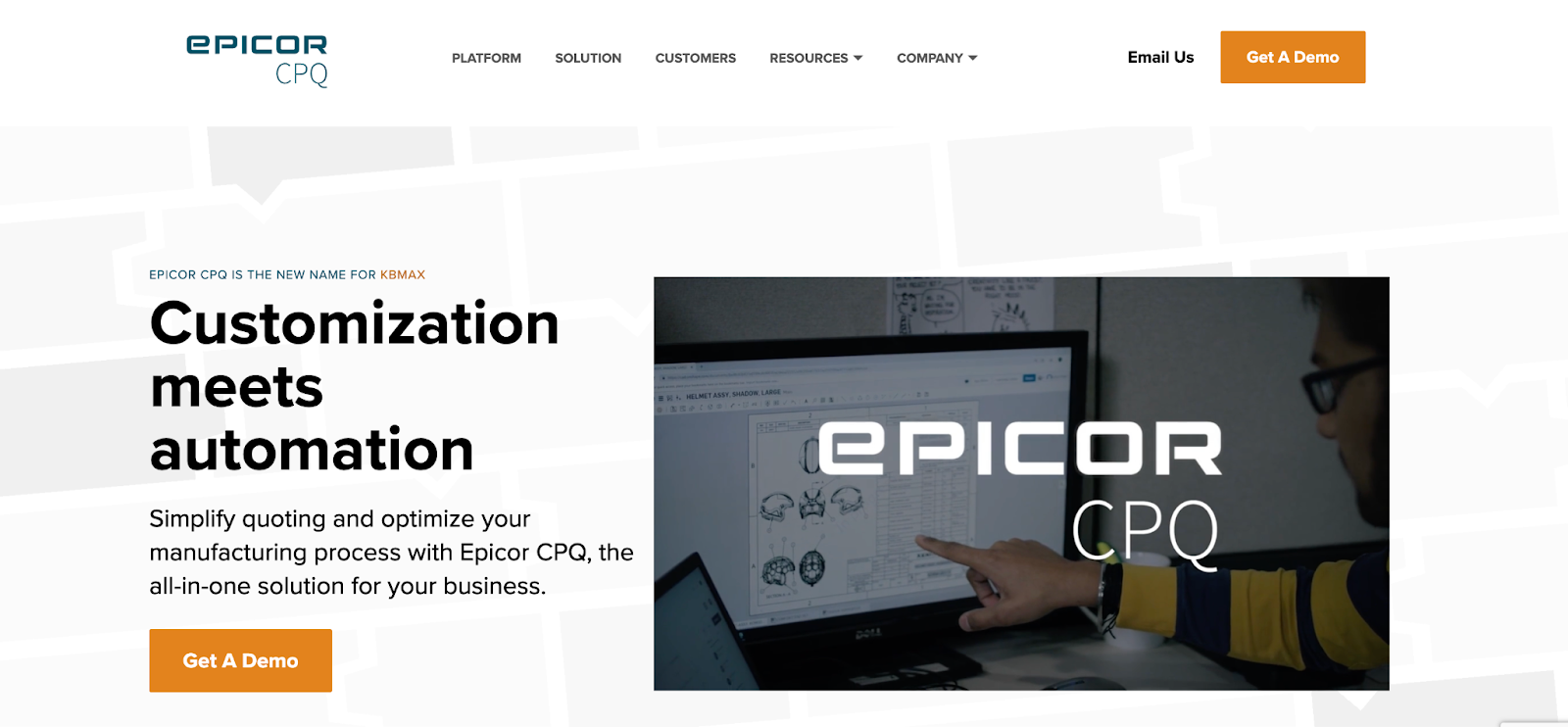
Epicor CPQ combines traditional rules-based CPQ logic with 2D and 3D visual configuration. It supports structured configuration workflows and integrates within the Epicor ERP ecosystem.
Key features:
- Visual CPQ with 2D and 3D product configuration
- Rules-based constraint logic for custom products
- Automated CAD drawing and BOM generation
- Quote generation integrated with ERP workflows
Pros:
- Manufacturing-focused positioning
- Supports structured configuration logic
- Familiar environment for Epicor ERP users
- Established presence in industrial manufacturing environments
Cons:
- Performance can slow down on very complex product configurations
- Advanced configuration rules may require experienced setup and maintenance
- Implementation and integration can require technical planning
Best for: Manufacturers already using Epicor ERP who need structured configuration and visual quoting without advanced parametric spatial modeling.
Not suitable for: Manufacturers with very complex product configurations where performance can become a concern.
3 - Zakeke
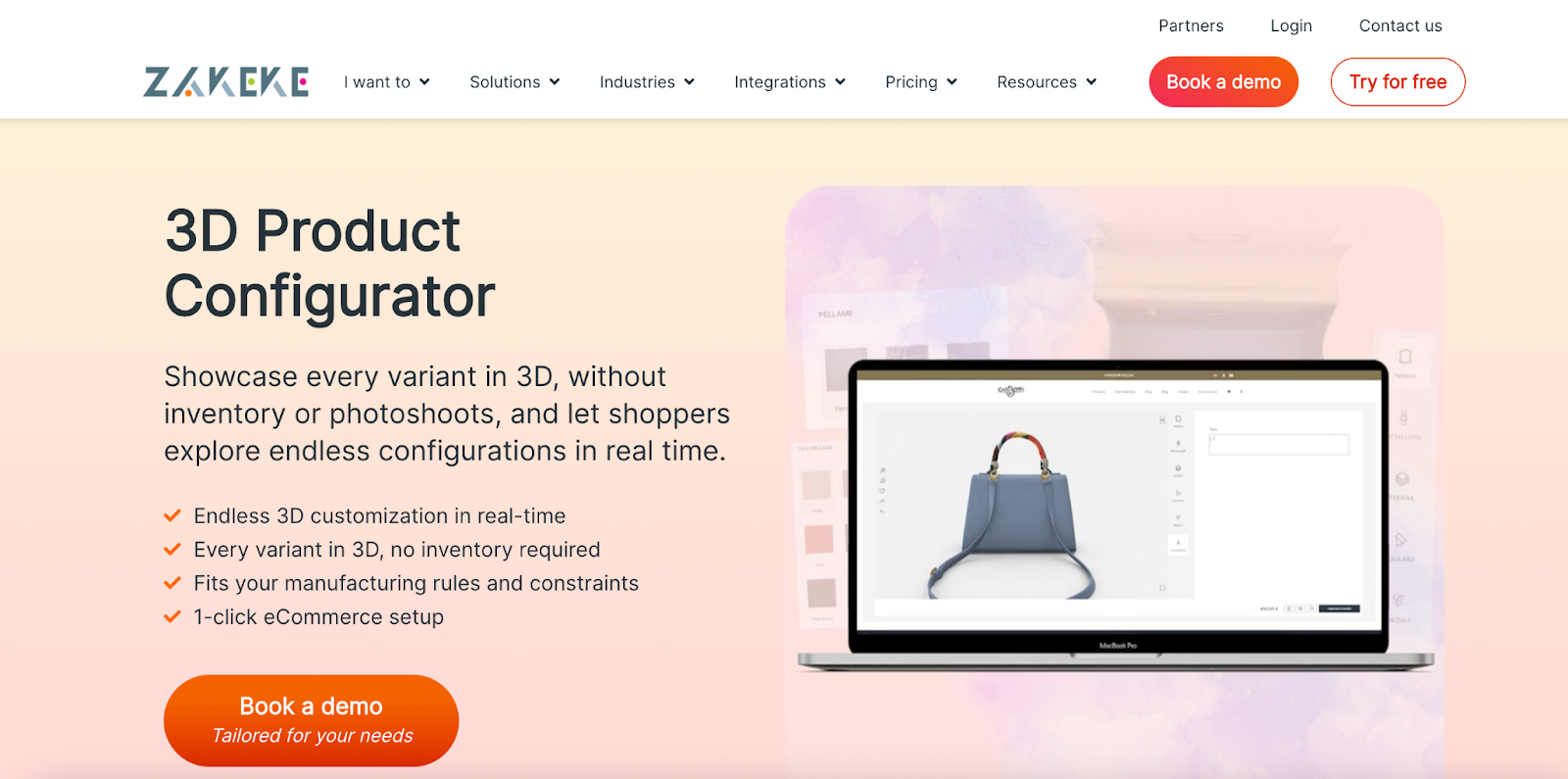
Zakeke is primarily a self-service 3D product customization platform designed for ecommerce environments. It enables customers to personalize products directly online with visual previews and automated file outputs.
Key features:
- 3D product customization interface
- Augmented reality previews
- Print-ready file generation
- Ecommerce platform integrations
Pros:
- Strong ecommerce integrations
- Quick deployment for ecommerce environments
- Strong focus on customer-facing personalization
- Works well for standardized, customizable products
Cons:
- Built mainly for self-service ecommerce
- Option-based configuration rather than multi-level constraint logic
- No CAD exports, limited to 2D files and order summaries
Best for: Manufacturers selling customizable but less complex products. Especially in ecommerce environments where personalization and visualization matter more than complex logic.
Not suitable for: Manufacturers selling complex configurable products that require advanced configuration logic or manufacturing outputs.
4 - Expivi
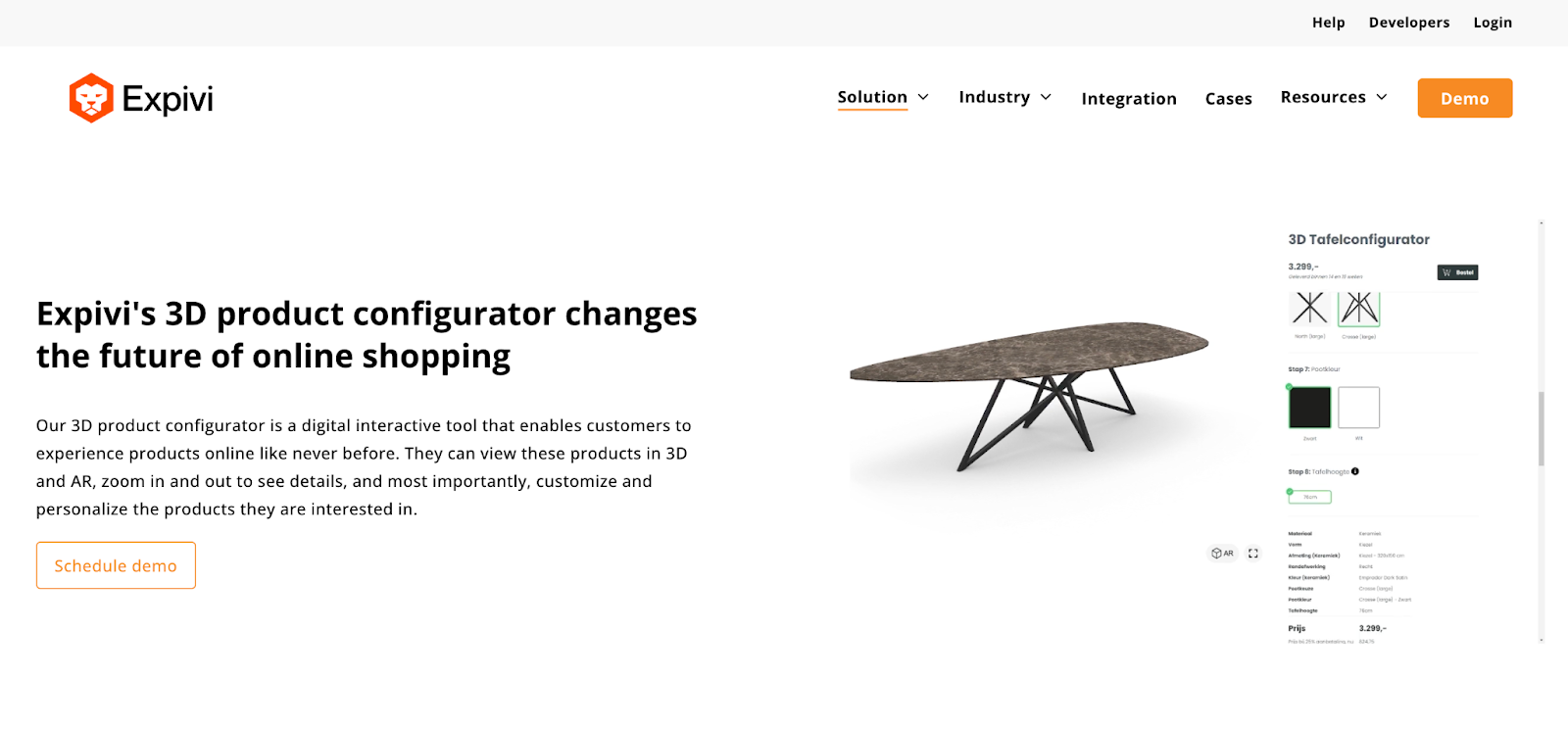
Expivi offers a 3D product configurator with integrated pricing (CPQ) capabilities designed to help businesses visualize and sell customizable products online.
Key features:
- Real-time 3D product configuration
- Integrated pricing and quote generation
- Ecommerce and ERP integrations
- Visual rule setup interface
Pros:
- User-friendly interface
- Scalable to different business sizes
- Strong visualization for ecommerce use cases
Cons:
- Limited flexibility for highly complex, rule-heavy product logic
- Parametric modeling is limited for complex constraints or advanced dependencies
- CAD file export is not supported
- May become restrictive for engineer-to-order or highly modular product structures
Best for: Ecommerce brands and mid-level manufacturers that need strong 3D visualization with integrated pricing but do not require advanced parametric modeling or end-to-end production automation.
Not suitable for: Manufacturers selling highly modular or engineer-to-order products that require advanced parametric modeling or production outputs.
Best Visual CPQ Solutions: Comparison Table
| Platform | Product Configuration | Pricing & Quoting | Production Outputs | Primary Focus |
|---|---|---|---|---|
| Salsita | Supports complex, modular, and dimension-driven products | Visual CPQ with automated quote generation | Automated CAD and BOM outputs | Manufacturing-first, complex products |
| Epicor CPQ | Structured rules-based configuration | CPQ aligned with ERP workflows | CAD drawings & BOM (ERP-connected) | ERP-centered manufacturing |
| Zakeke | Option-based product customization | Supports rule-based pricing and quote requests | No CAD export; 2D print files only | Ecommerce personalization |
| Expivi | Rule-based 3D product configuration | Provides CPQ functionality with real-time pricing | Not positioned around native CAD/BOM automation | Ecommerce-focused manufacturers not requiring advanced production automation |
Conclusion: Which CPQ Provider Should You Choose in 2026?
Every platform in this guide can configure products and generate quotes. The difference is how far configuration goes inside your organization.
Some manufacturers use CPQ mainly to control pricing, discounts, and approvals. For them, structured rule engines and governance workflows are the priority.
Others rely on configuration to define dimensions, materials, and production data. In those cases, configuration logic must align with how products are actually built.
The best CPQ software for manufacturing in 2026 is the one that matches your product complexity, your sales structure, and the level of automation you expect between sales and production.
If you are evaluating CPQ solutions for complex, modular, or engineer-to-order products, visual CPQ platforms such as Salsita focus specifically on aligning configuration logic with real manufacturing outputs.
Want to explore whether Salsita fits your manufacturing workflows? Book a Personalized 1:1 Demo:
FAQ
Which CPQ software is best for the manufacturing sector?
Manufacturers with highly configurable or engineer-to-order products typically require CPQ software that supports rule-based configuration, accurate pricing, and alignment with ERP and production systems.
Do all CPQ providers generate CAD files and BOMs?
No. Many traditional CPQ systems focus primarily on pricing and quoting. Automated CAD file and bill-of-material generation is typically found in more advanced manufacturing-focused or visual CPQ platforms.
Is visual CPQ necessary for manufacturers?
Visual CPQ is most valuable when products are complex, customizable, or difficult to explain without visualization. It reduces errors and improves clarity before a quote is finalized.
Can CPQ software replace manual engineering checks?
In many cases, rule-based configuration reduces the need for repeated manual validation. The depth of automation depends on how advanced the configuration logic is.
Is CPQ software only for large enterprises?
No. While enterprise CPQ software vendors dominate the traditional CPQ market, visual CPQ providers are increasingly used by mid-sized manufacturers selling configurable products.