
Top 5 Best 3D Configurators for Enterprise-Scale Product Customization
Choosing a 3D configurator for enterprise-scale product customization? This guide compares five leading platforms across the features that matter most.

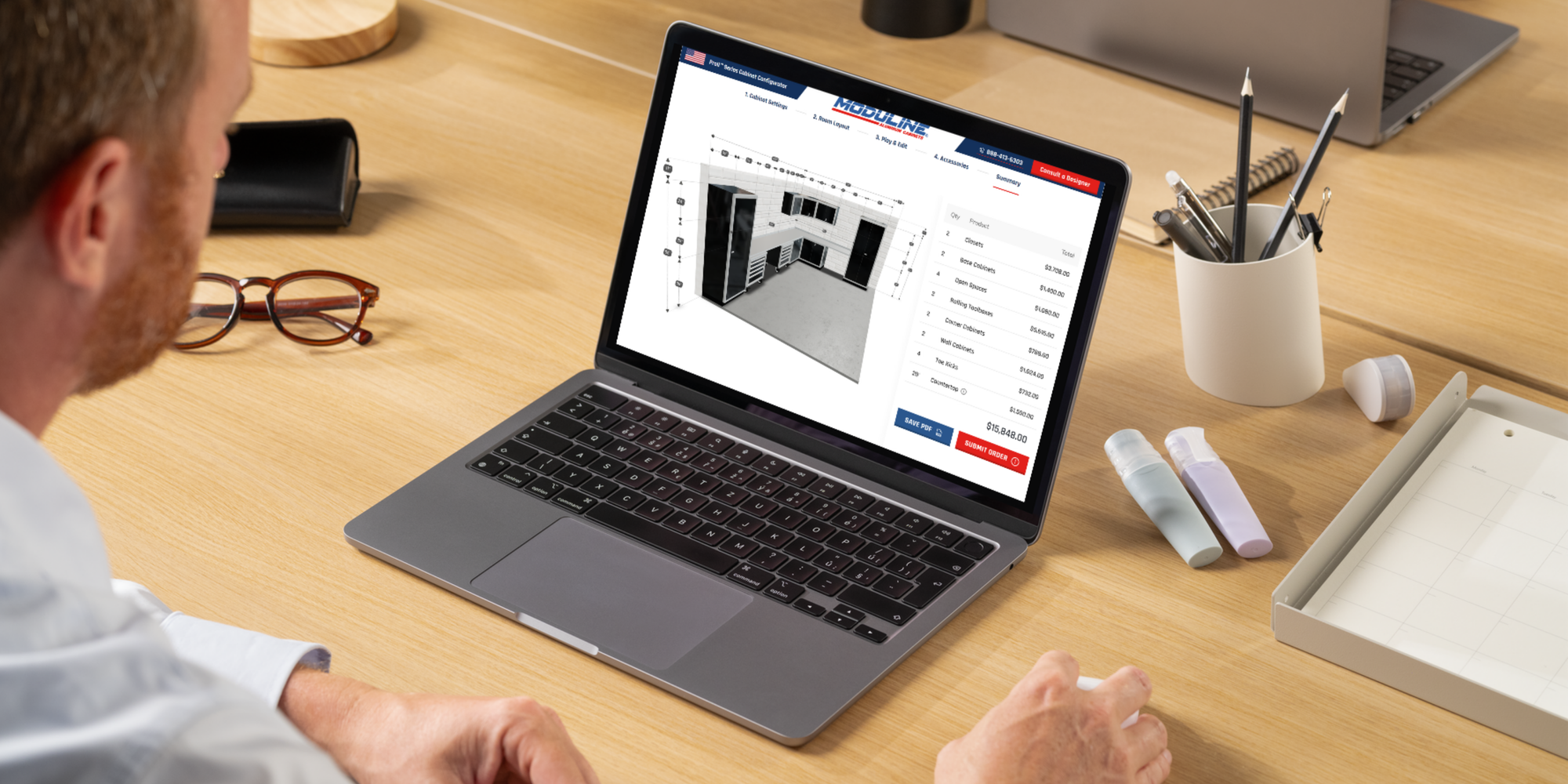
Enterprise companies evaluating a 3D configurator face a very different set of requirements than smaller businesses.
Large product catalogs, complex configuration rules, pricing logic, and integrations with ERP, CRM, or ecommerce systems quickly change what a configurator must support.
If you’re responsible for selecting a platform, you’re likely looking beyond basic customization. You need a solution that can handle configuration complexity, scale across product variants and markets, and fit into the systems your teams already rely on.
In this guide, we compare five 3D configurators for enterprise-scale product customization: Salsita, Threekit, Twikit, Epicor CPQ, and 3D Cloud (Marxent). We look at how they support configuration complexity, scalability, enterprise integrations, and downstream business workflows.
When Custom Products Meet Enterprise Scale
If you’re evaluating a 3D configurator for an enterprise company, your team is probably already dealing with the operational complexity that comes with configurable products.
Selling customizable products across large catalogs, multiple markets, and distributed sales teams introduces challenges that go far beyond simple product options.
In many enterprise organizations, the same issues tend to surface:
- Managing configuration logic across large product portfolios: Enterprise manufacturers often manage product families with hundreds or thousands of possible combinations. Maintaining compatibility rules, dimensions, and modular logic across such catalogs becomes increasingly difficult as the portfolio grows.
- Supporting multiple markets and regional catalogs: Enterprise companies frequently sell across several regions. Products, options, and pricing structures may differ by market, which requires a solution that can adapt while remaining consistent across the organization.
- Localization and multi-language requirements: When configuration tools are used by global teams, dealers, or customers, they must support multiple languages and localized product information.
- Enabling distributed sales teams and dealer networks: Enterprise manufacturers often rely on dealers, distributors, and regional sales teams. Ensuring that everyone configures products with no error while following the same rules is a constant operational challenge.
- Maintaining performance at scale: Large catalogs combined with complex configuration rules can quickly create performance issues if the platform is not designed to handle enterprise-scale usage.
Because of these realities, enterprise companies evaluating configurator platforms tend to prioritize scalability, configuration logic, integrations, and global deployment capabilities.
How We Selected the Best Enterprise 3D Configurators
Not every 3D configurator is designed for enterprise environments. Some platforms work well for smaller catalogs but struggle once products, markets, and systems become more complex.
For this guide, we focused on configurators that can support large product catalogs, complex configuration rules, global deployments, and integrations with enterprise systems.
We evaluated each platform based on the following criteria:
- Configuration complexity: Ability to manage rule-based configuration, compatibility logic, modular products, and parametric models.
- Scalability: Performance and stability when handling thousands of product variants, large catalogs, and concurrent users.
- Sales and user workflows: Support for different user roles such as buyers, dealers, distributors, and internal sales teams.
- Global deployment capabilities: Support for multiple markets, regional catalogs, localized pricing, and multi-language configuration experiences.
- CPQ capabilities: Support for pricing logic, automated quoting, and guided selling workflows.
- Enterprise integrations: Connections with ERP, CRM, PIM, and e-commerce systems to keep product data, pricing, and orders synchronized.
- Manufacturing outputs: Ability to generate production data such as bills of materials (BOMs), CAD files, or technical specifications.
Based on these criteria, we selected five platforms that are the best fit for enterprise-scale product configuration: Salsita, Threekit, Twikit, Epicor CPQ, and 3D Cloud (Marxent).
Best 3D Configurator for Enterprise-Scale Product Customization: Comparison Table
The table below summarizes how the five platforms compare across key enterprise requirements.
| Category | Salsita | Threekit | Twikit | Epicor CPQ | 3D Cloud (Marxent) |
|---|---|---|---|---|---|
| Main Focus | Complex configurable products for enterprise sales and production workflows | Visual commerce and digital product experiences | Mass customization and production-driven configuration | CPQ and sales quoting automation | 3D product visualization and digital product experiences |
| Complex Product Logic | Parametric models and modular product logic | Rule-based configuration with guided selling | Parametric configuration for customizable products | Rule-based configuration and quoting logic | Configuration based on product assemblies and rules |
| Multi-Market Support | Multi-language and multi-currency support | Supported for global ecommerce deployments | Not a primary platform focus | Supported through enterprise deployments | Supported in enterprise commerce environments |
| Enterprise Workflows | Buyers, dealers, and sales teams with role-based access | Sales and dealer configuration experiences | Primarily production-driven workflows | Sales-focused workflows for quoting and approvals | Primarily customer-facing product experiences |
| Manufacturing Outputs | BOM, CAD files, and technical outputs | Limited manufacturing outputs such as BOM data | Production-ready manufacturing files | CAD and BOM exports supported | Not a central platform capability |
| Pricing | $$ | $$$$ | $$$$ | $$$$ | $$$$ |
1 - Salsita
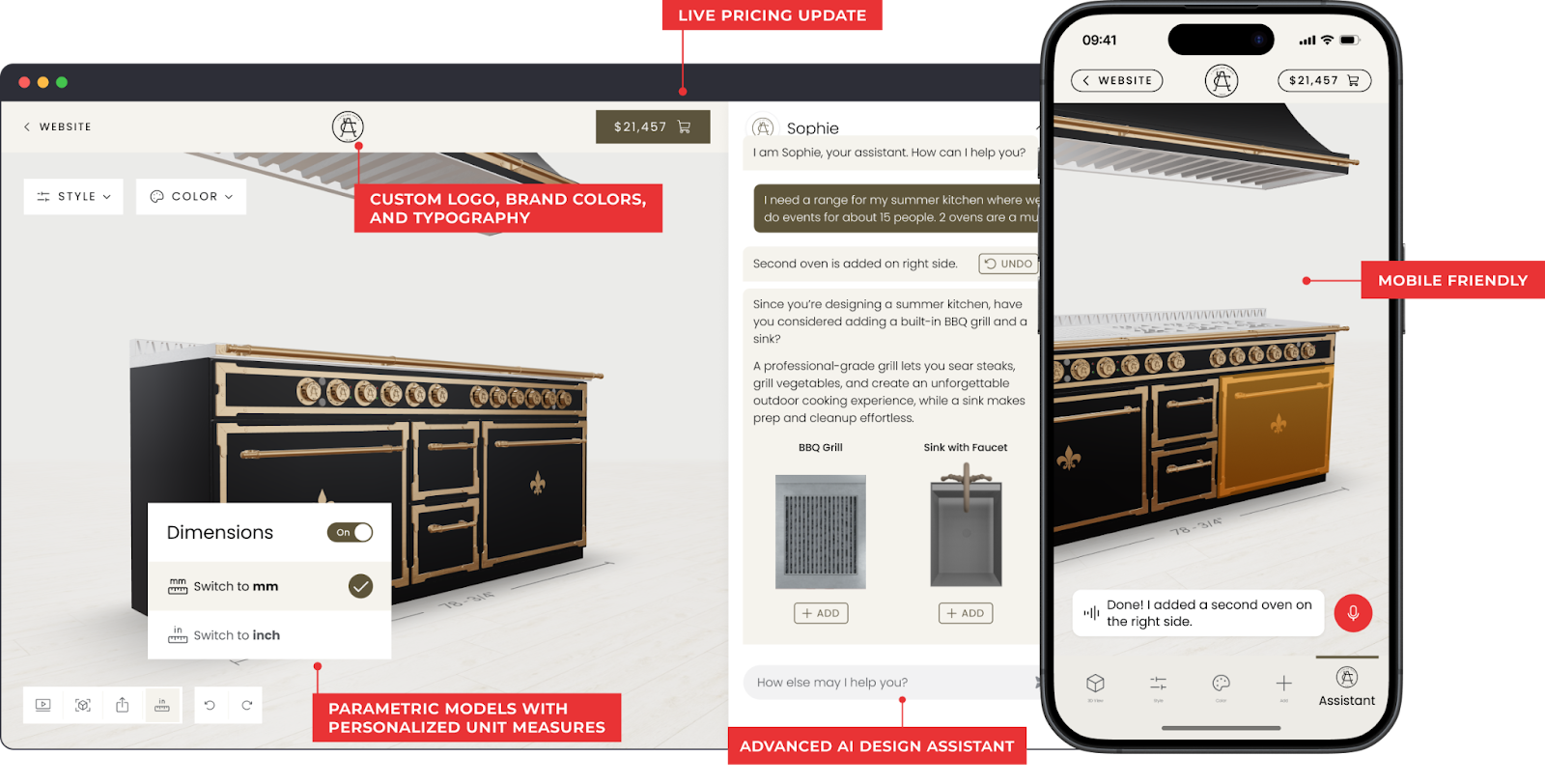
Salsita provides a 3D configurator platform built for enterprise companies selling complex configurable products. It allows buyers, dealers, and sales teams to configure and price products in real time while ensuring configuration rules, pricing logic, and production data stay consistent. The platform is particularly suited for manufacturers managing large product catalogs, multiple markets, and enterprise sales workflows.
Best for: Enterprise manufacturers selling complex, modular, or made-to-order products that need configuration, quoting, and production workflows connected in one system.
Key enterprise features:
- Parametric models: Support dimension-driven configuration and modular product structures across large product catalogs.
- User management: Administrators can manage users who access the configurator, including internal teams, dealers, and partners.
- Role-based access control: Different roles (customers, dealers, sales teams, administrators) can access different configurator features, ensuring secure and structured workflows.
- Multi-market support: Multi-language interfaces and multi-currency pricing for global deployments and regional product catalogs.
- Visual CPQ: Built-in pricing logic, discounts, and quote generation for enterprise sales processes.
- Advanced AI assistant: AI assistant that provides natural-language recommendations and guidance for a premium enterprise configuration experience.
- Enterprise integrations: Integrates with ERP, CRM, and PIM systems to synchronize product data, pricing, and orders.
- Manufacturing outputs: Generate BOMs, CAD files, and technical specifications directly from configured products.
Pros:
- Highly flexible configuration logic for complex and modular enterprise products
- Adapts to unique enterprise workflows across sales, dealers, and internal teams
- Supports global deployments across multiple markets and regions
- Fully customizable UI and product experience tailored to the product, brand, or user workflow
Cons:
- Requires structured product logic and configuration rules before deployment
- Less suited for companies with very simple product catalogs
- Enterprise integrations may require implementation planning depending on existing systems
Our verdict: Salsita is a strong platform for enterprise manufacturers managing complex configurable products. It is particularly well suited for companies dealing with large product catalogs, thousands of variants, multiple markets, and enterprise sales workflows. Its flexibility and ability to connect configuration with pricing, enterprise systems, and manufacturing processes make it a better fit for complex enterprise environments.
2 - Threekit
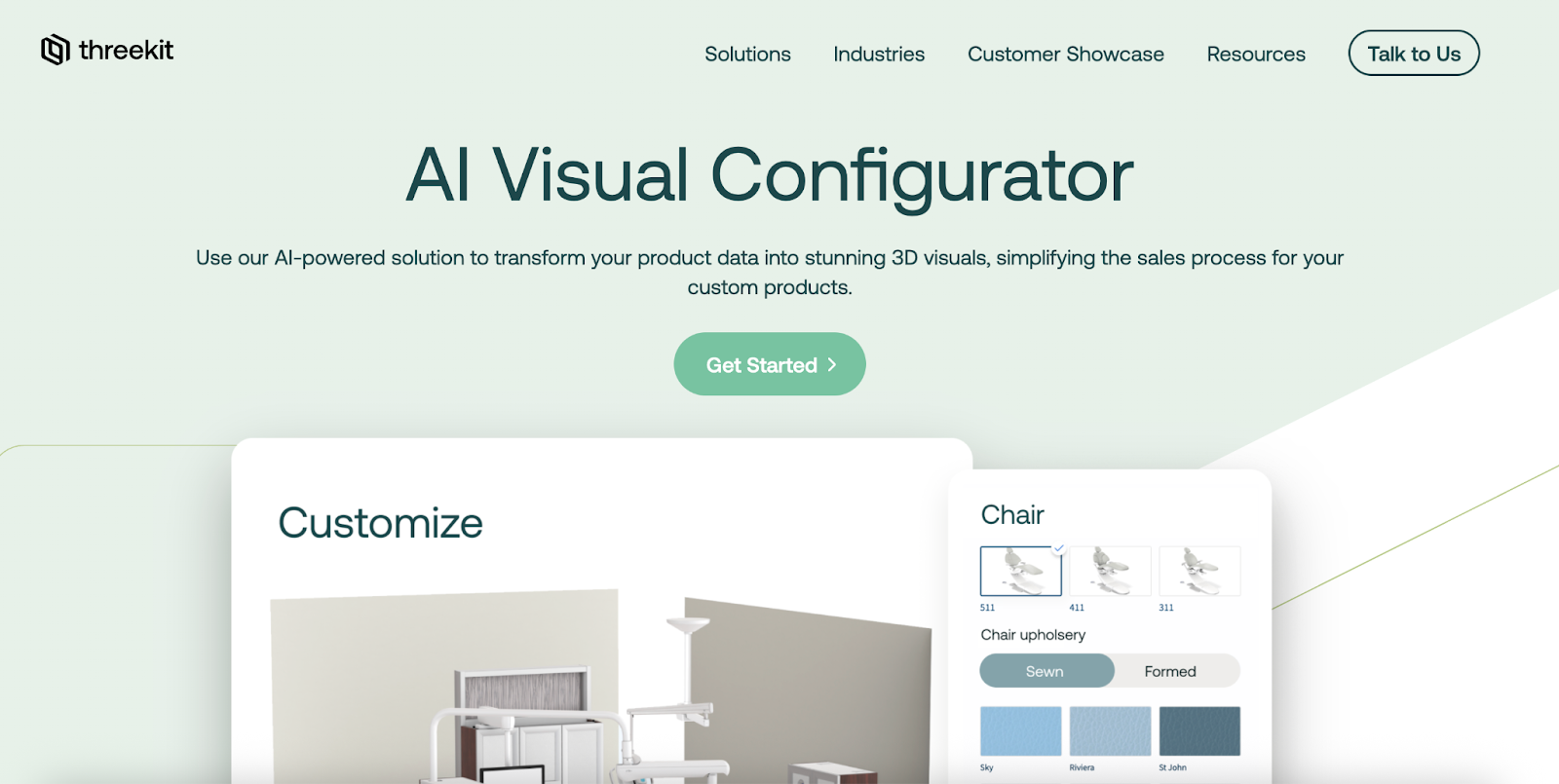
Threekit is a visual commerce platform that combines 3D configuration, augmented reality, and guided selling capabilities. It allows companies to connect product catalogs and configuration logic to real-time 3D visualization experiences across websites, dealer portals, and ecommerce platforms.
Best for: Enterprise companies that prioritize visual product experiences and guided selling across digital commerce channels.
Key enterprise features:
- Configuration rules engine: Supports rule-based configuration logic for configurable product catalogs.
- Guided selling workflows: Structured configuration flows help dealers and buyers select valid product combinations.
- Enterprise integrations: Integrates with ERP, CPQ, PIM, and ecommerce platforms.
- Manufacturing outputs: Configured products can generate outputs such as BOMs and manufacturing instructions.
Pros:
- Strong visual configuration experience for digital sales channels
- Mature ecosystem of ecommerce and enterprise integrations
- Supports large configurable product catalogs
Cons:
- Less flexibility for highly customized enterprise configuration environments
- Primarily focused on high quality visuals
- Less flexible for very complex configuration logic or modular product structures
Our verdict: Threekit is a strong platform for companies that prioritize visual product configuration in ecommerce and digital sales channels. It performs well when the main goal is to deliver interactive product experiences online. However, it offers less flexibility for highly complex configuration logic or specialized enterprise workflows than platforms built specifically for complex enterprise product configuration.
3 – Twikit
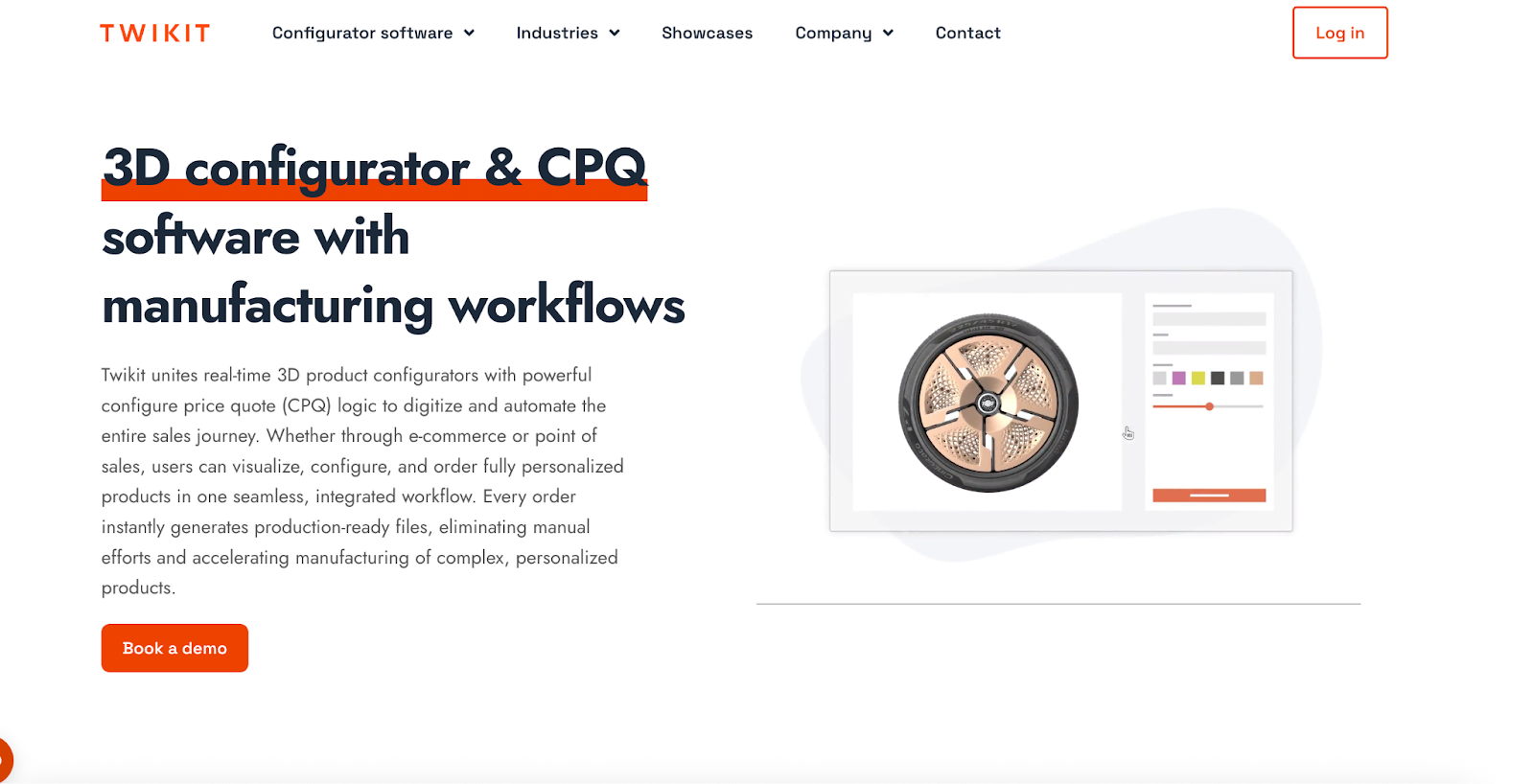
Twikit is a 3D configuration platform focused on mass customization and production-driven product personalization. It allows companies to configure products and generate manufacturing-ready outputs so customized products can move directly from configuration to production.
Best for: Manufacturers pursuing mass customization strategies where product configuration feeds directly into production workflows.
Key enterprise features:
- Rule-based product customization: Product dimensions and options can change while configuration rules ensure valid combinations.
- Production-ready outputs: Configured products can generate files and data used directly in manufacturing processes.
- Mass customization workflows: Designed for environments where customized products are generated at scale and configurations feed directly into production.
- API-driven integrations: Provides APIs for connecting configuration with enterprise systems and digital platforms.
Pros:
- Strong focus on production-driven customization
- Connects configuration directly with manufacturing outputs
- Well suited for mass customization environments
Cons:
- Primarily designed around production workflows rather than broader enterprise sales workflows
- Less flexible for complex enterprise configuration environments
- Visual product experiences are not the main focus compared with platforms built for interactive product visualization
- Enterprise sales structures involving dealers, distributors, or multiple user roles may require additional customization
Our verdict: Twikit is a solid option for manufacturers focused on mass customization and production automation. However, companies managing complex configurable products across multiple markets and enterprise sales workflows may require a more flexible configuration platform.
4 – Epicor CPQ
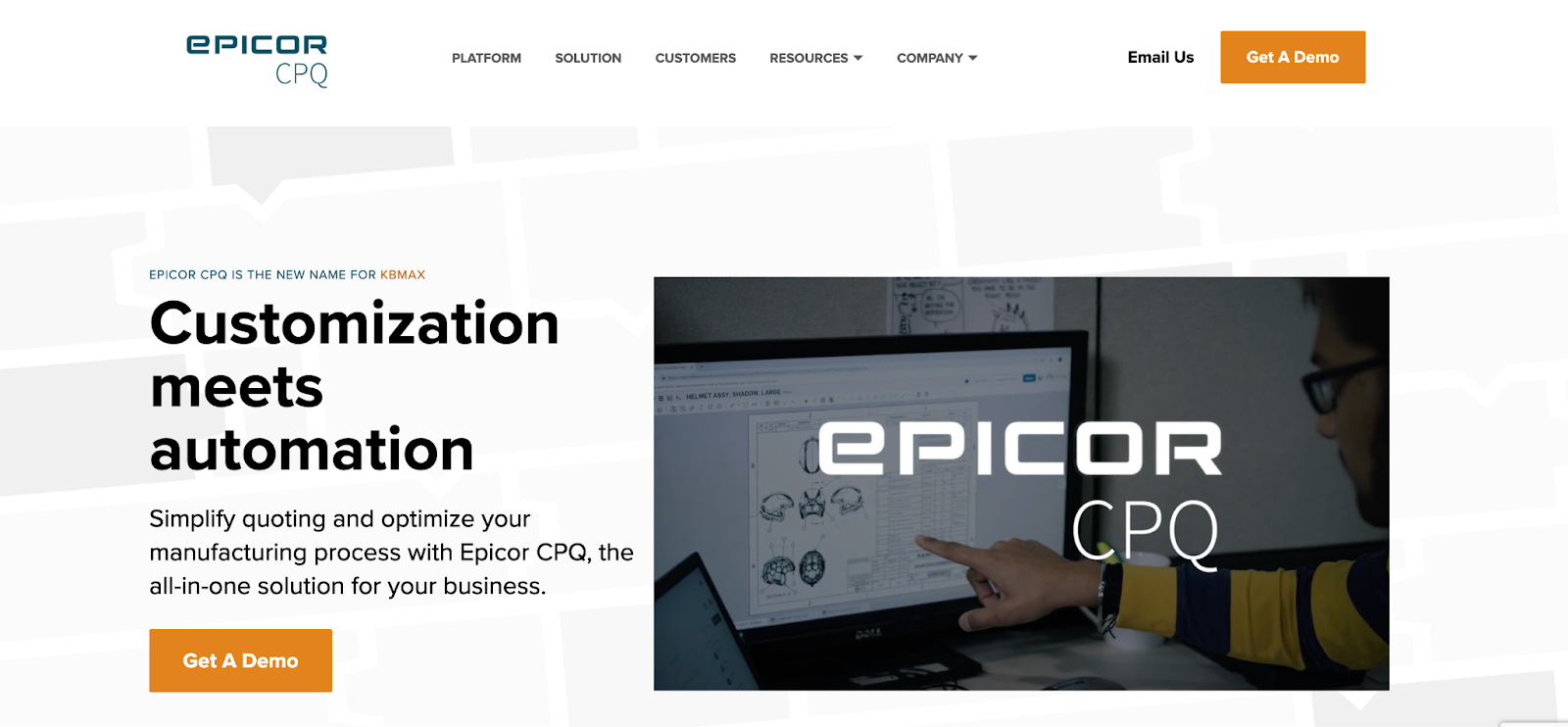
Epicor CPQ is a configure-price-quote platform designed to automate product configuration and quoting processes. It helps sales teams configure products and generate accurate quotes while integrating with ERP systems and enterprise sales tools.
Best for: Manufacturers looking to automate quoting and pricing workflows within ERP-driven sales environments.
Key enterprise features:
- Rule-based configuration: Ensures valid product combinations using rule-driven configuration logic.
- Automated quoting: Generates pricing and quotes automatically based on configured product options.
- ERP integration: Designed to integrate closely with ERP systems and enterprise sales tools.
- Guided selling: Provides step-by-step configuration experiences for sales teams and dealers.
Pros:
- Strong CPQ capabilities for automating complex quotes
- Tight integration with ERP and enterprise sales systems
- Well suited for organizations prioritizing quoting automation
Cons:
- Designed primarily for CPQ and quoting workflows rather than advanced product configuration
- Visual configuration capabilities are more limited compared to dedicated 3D configurator platforms
- Modeling highly configurable or dimension-driven products can require additional setup
- Product configuration often sits within the broader Epicor ecosystem rather than as a standalone configurator platform
Our verdict: Epicor CPQ is a strong solution for companies focused on automating quoting and sales configuration processes. However, manufacturers managing complex configurable products across multiple markets, sales teams, and production workflows may require a more flexible platform built specifically for enterprise product configuration.
5 – 3D Cloud (Marxent)
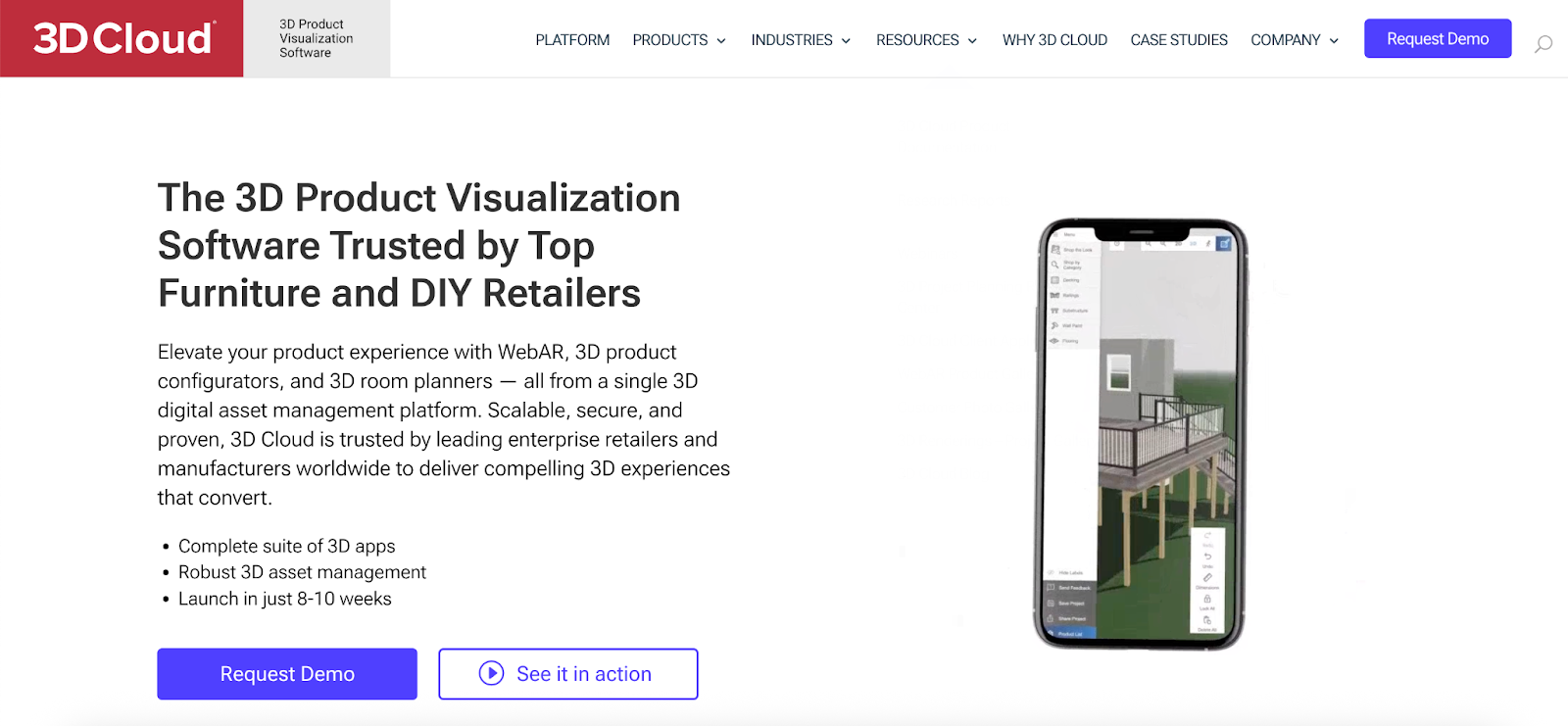
3D Cloud (by Marxent) is a platform focused on 3D product visualization and digital product experiences. It enables companies to present configurable products in interactive 3D environments and connect those experiences to ecommerce and digital sales channels.
Best for: Enterprise companies prioritizing product visualization within digital sales environments.
Key enterprise features:
- Large product catalog support: Designed to manage enterprise product catalogs with many configurable products and associated 3D assets.
- 3D asset management: Tools for managing product models, materials, and visual assets used in configuration experiences.
- Enterprise commerce integrations: Integrates with ecommerce platforms and enterprise commerce systems.
- Digital product experiences: Supports interactive product customization within online sales environments.
Pros:
- Strong platform for high-quality product visualization
- Supports large product catalogs in digital sales environments
- Mature integrations with ecommerce platforms
Cons:
- Primarily focused on visual product experiences rather than complex configuration environments
- Less flexible for modeling complex product logic or modular product structures
- Enterprise configuration workflows involving dealers, distributors, and internal sales teams are not a primary focus
- Manufacturing workflows and production automation are not central platform capabilities
Our verdict: 3D Cloud is a strong option for companies prioritizing product visualization and digital product experiences. However, manufacturers managing complex configurable products, multiple markets, and advanced enterprise workflows may require a more flexible configuration platform.
Conclusion: How Enterprise Teams Should Choose a 3D Configurator
Most 3D configurators can display products and allow customization. The real difference appears when configuration has to support enterprise-scale operations.
Some platforms are designed primarily for digital product experiences, helping customers explore and customize products online.
Others focus on sales configuration and quoting, supporting sales teams and dealers who need to configure products and generate accurate offers.
That is why enterprise companies evaluating configurators usually look beyond visualization and focus on questions such as:
- Can the platform manage large product catalogs and thousands of variants?
- Can it support multiple markets and localized product catalogs?
- Can buyers, dealers, and sales teams all use an adapted version of the configurator?
- Can configuration connect directly to pricing, orders, and production data?
The best 3D configurator for enterprise companies is the one that fits the complexity of the product and the structure of the organization.
Salsita is built for companies managing complex configurable products at enterprise scale. Our 3D configurator platform connects configuration logic with pricing, enterprise systems, and manufacturing outputs. It helps manufacturers manage large product catalogs, multiple markets, and complex sales workflows in one platform.
Want to see how Salsita could work for your products? Book a personalized demo with our team:
FAQ: Enterprise 3D Product Configurators
How long does it take to implement an enterprise 3D configurator?
Implementation time depends on product complexity and integrations. For simple catalogs, deployment can take a few weeks, but enterprise projects with complex configuration rules, ERP integrations, and large product catalogs often take several months. Most of the work typically involves modeling product logic and preparing product data.
What data is needed to build a 3D product configurator?
Enterprise configurators usually require structured product data such as product components, configuration rules, dimensions, pricing logic, and 3D models. This information is often gathered from engineering documentation, spreadsheets, product catalogs, or ERP and PIM systems.
Do companies build 3D configurators in-house or use specialized platforms?
Most enterprise companies use specialized configurator platforms rather than building them from scratch. Dedicated platforms provide rule engines, integrations, and configuration frameworks that would otherwise take significant development resources to recreate internally.
Who typically uses a 3D configurator inside an enterprise company?
Depending on the deployment, configurators can be used by customers, dealers, distributors, and internal sales teams. In many organizations, the same configuration logic powers multiple interfaces tailored to each user group.